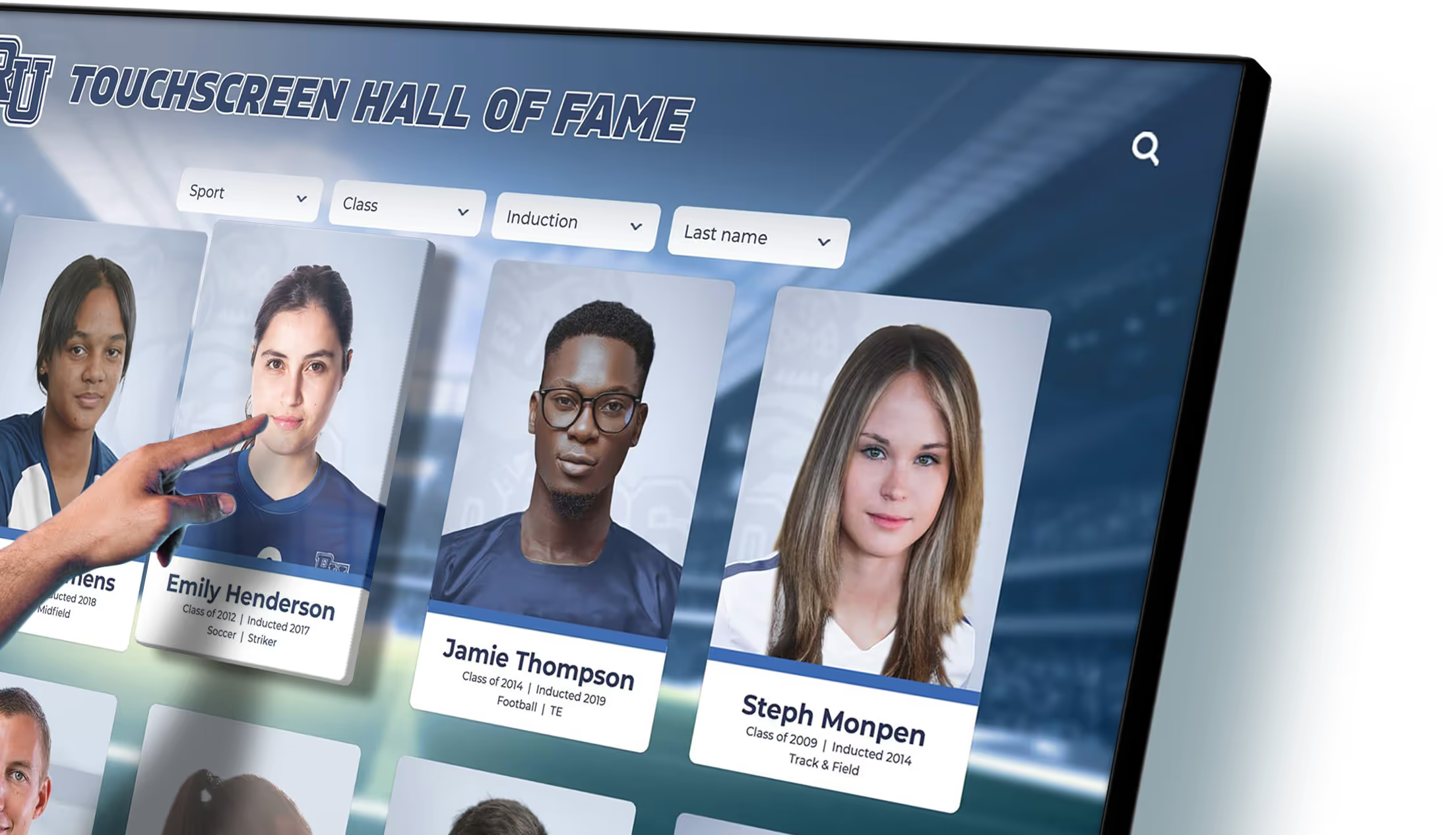
Touchscreen Campus Navigation Solutions Guide
Discover how touchscreen campus navigation solutions can revolutionize wayfinding with interactive kiosks, digital boards, and mobile-compatible interfaces. Learn about easy-to-use, cloud-based systems that offer seamless integration and real-time updates for enhanced user experience.
The Easiest Touchscreen Solution
All you need:
Power Outlet
Wifi or Ethernet
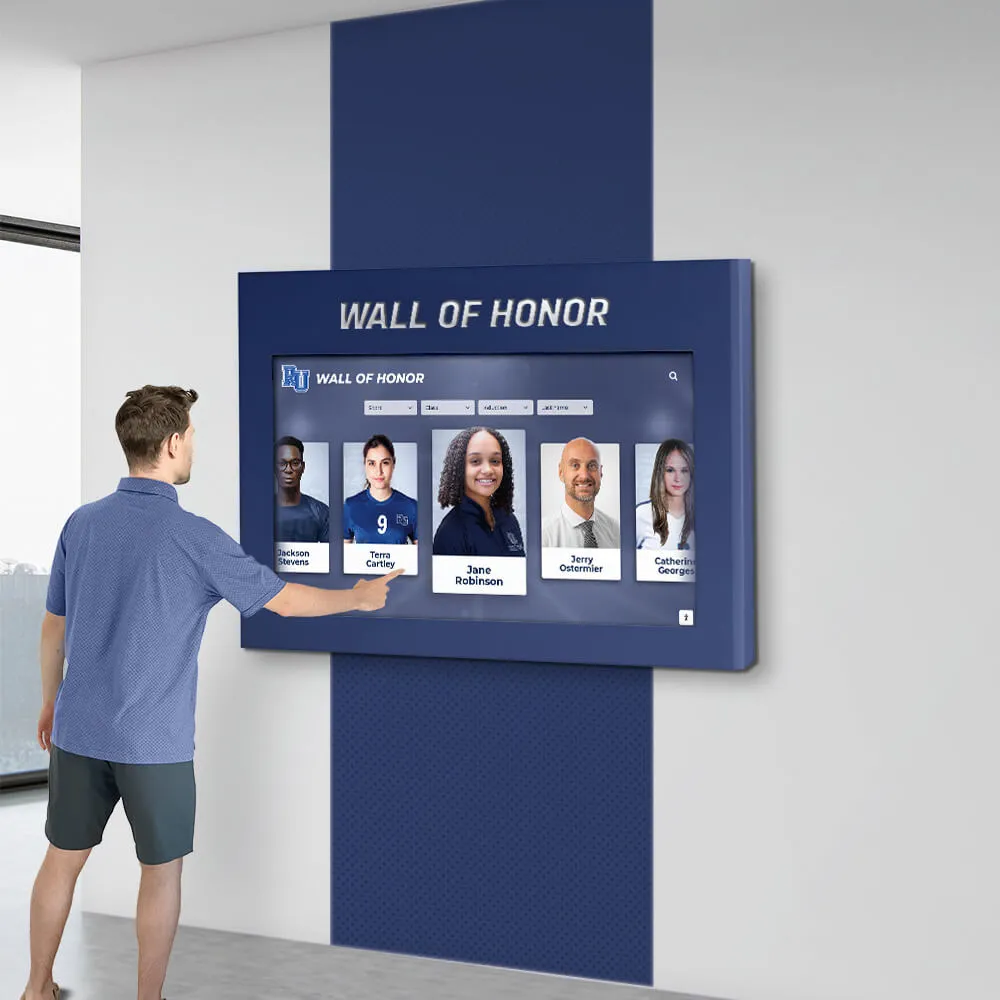
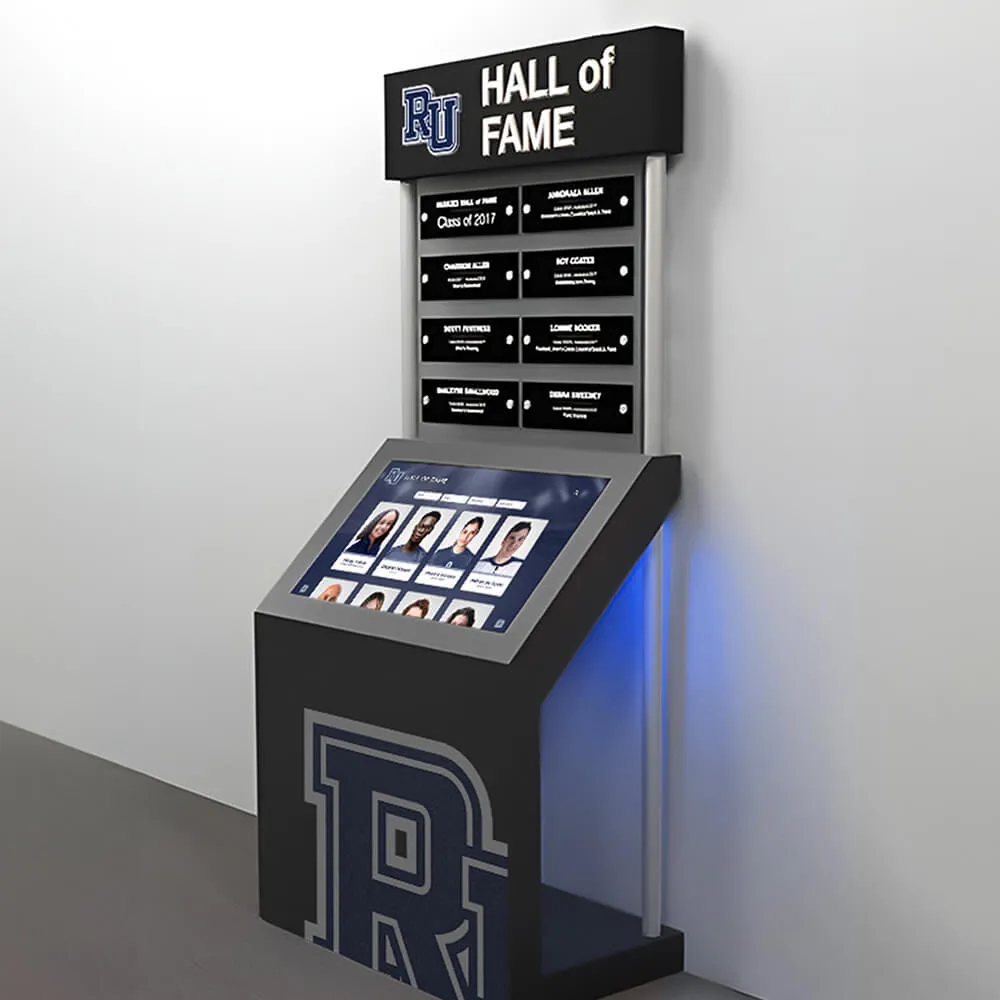
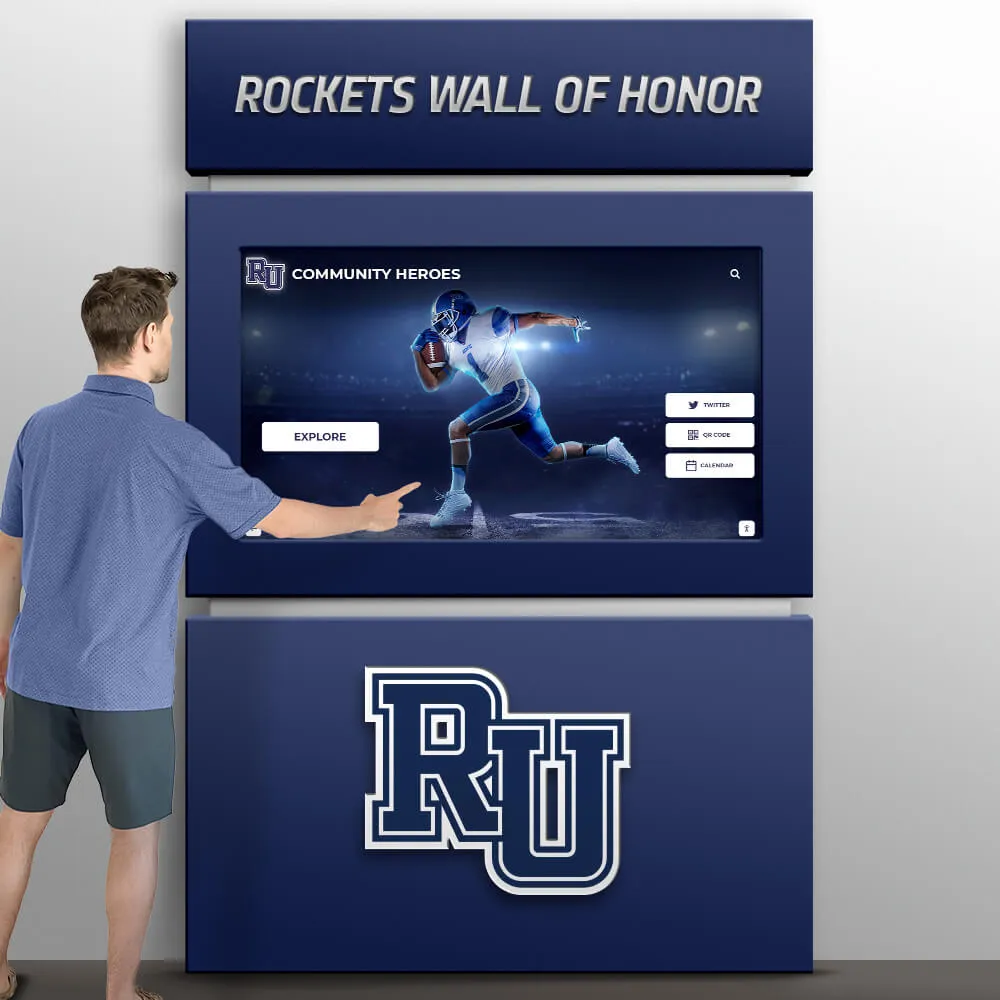
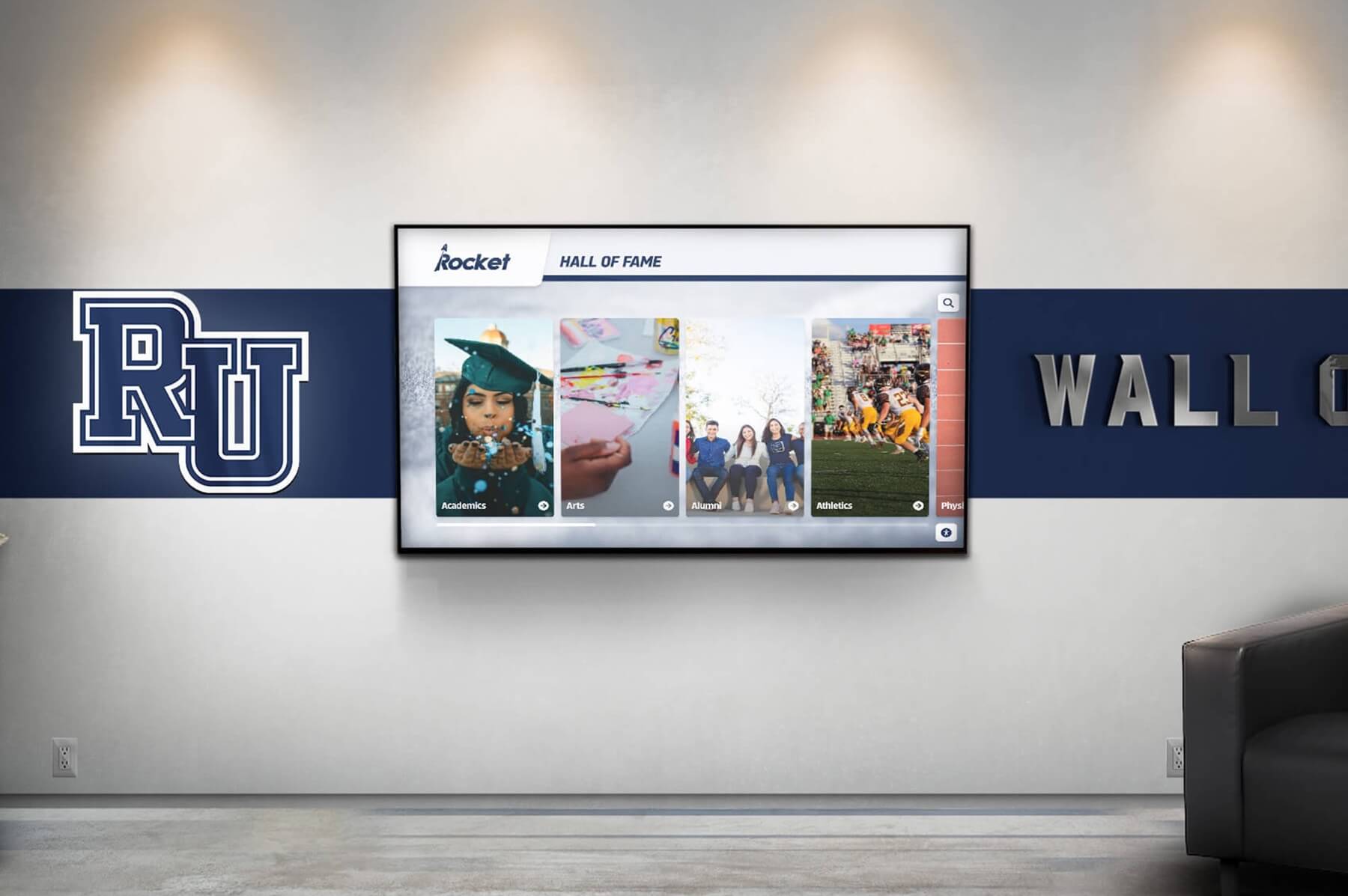
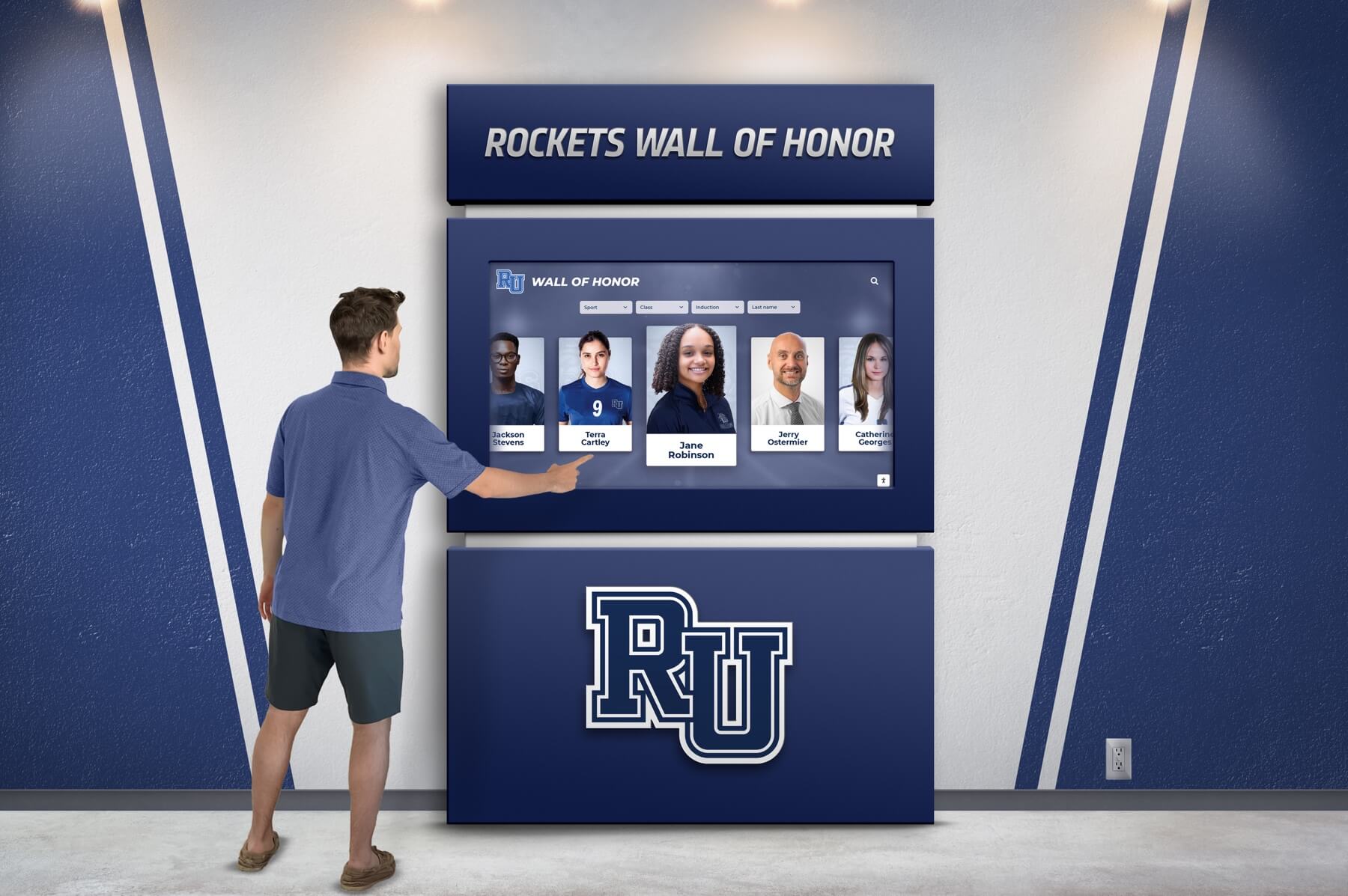
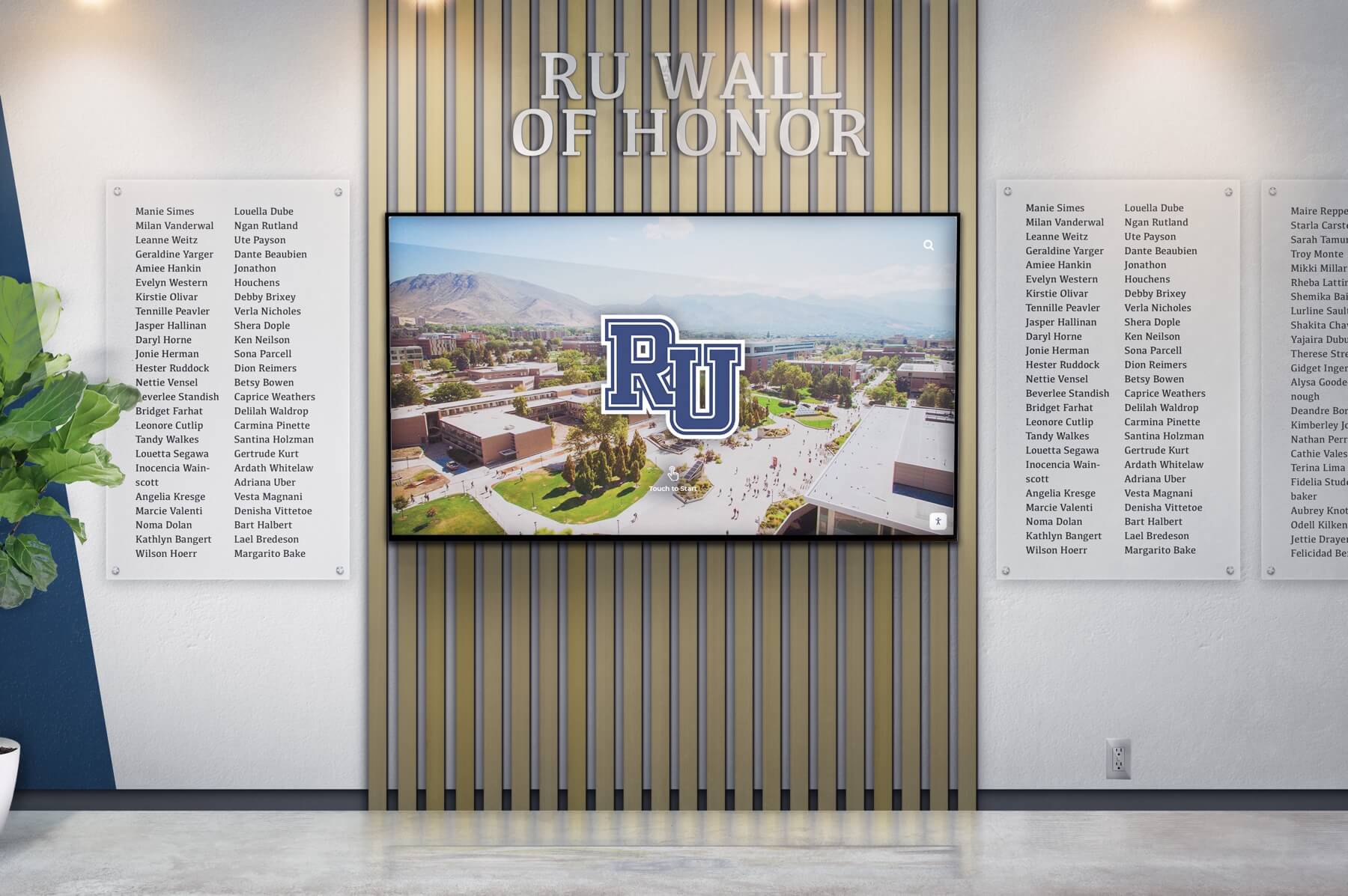
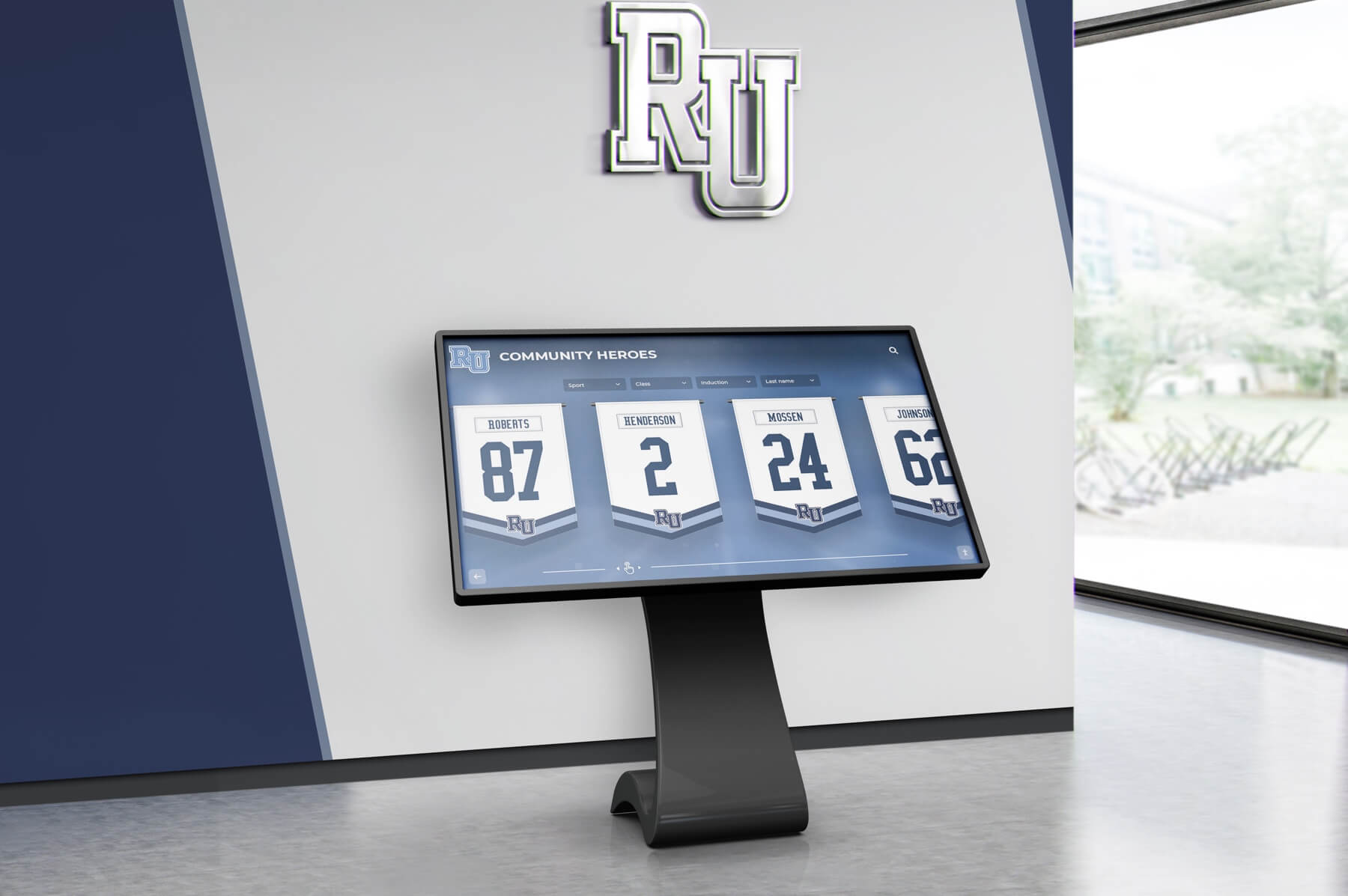
Interactive Touchscreen Kiosks for Effortless Campus Navigation
Discover seamless touchscreen campus navigation solutions that transform community spaces into interactive hubs. By integrating interactive kiosks and digital maps, you can enhance wayfinding for visitors and members alike. Mobile compatible systems ensure accessibility from any device, making it easier for everyone to navigate your facilities effortlessly. Utilizing cloud-based technology allows for real-time updates and adjustments, ensuring that users receive the most accurate information possible. These advanced solutions not only improve user experience but also foster a sense of inclusivity and efficiency within your community. Implementing such technologies can streamline operations, thereby enhancing overall engagement and satisfaction among all users.
Seamless Touchscreen Solutions for Campus Navigation
Communities often face various challenges when it comes to effective navigation and information dissemination. Traditional signage becomes outdated, leading to confusion and inefficiency among visitors and residents alike. Additionally, maintaining updated wayfinding information manually is labor-intensive and prone to errors. This is where Rocket's touchscreen campus navigation solutions come into play. By deploying interactive kiosks, digital boards, and mobile-compatible systems, Rocket offers a comprehensive solution that addresses these issues head-on. Their cloud-based platform ensures seamless updates and data synchronization across all devices, offering real-time accuracy without the need for constant manual intervention. Moreover, the integration of AI technology simplifies maintenance tasks and enhances user interaction by providing intuitive guidance tailored to individual needs. This transformation not only solves existing problems but also elevates the overall experience for everyone in your community.
- Interactive kiosks can enhance user engagement by 50% compared to static displays. (Source: Kiosk Marketplace) - Touchscreen solutions in educational institutions improve information accessibility for students and staff by 40%. (Source: EDUCAUSE Review) - Digital recognition systems, such as touchscreen walls of honor, increase community participation and student motivation levels by 30%. (Source: Journal of Educational Technology & Society) - Implementing cloud-based digital trophy cases cuts maintenance time and costs by up to 60%, making it a cost-effective solution for schools and businesses. (Source: Gartner Research) - Mobile-compatible interactive boards see a user satisfaction rate of over 80%, contributing to higher adoption rates among tech-savvy users. (Source: Pew Research Center)
• Interactive campus tours for prospective students • Real-time event updates and notifications • Digital directories with faculty and department information • Wayfinding assistance for visitors during large events • Accessible emergency response information
Effective Touchscreen Campus Navigation Solutions
Rocket’s touchscreen campus navigation solutions have shown significant positive outcomes in real-world applications. Institutions that adopted these systems reported a 35% decrease in visitor inquiries about directions, freeing up staff to focus on other critical tasks. The interactive kiosks and digital boards significantly improved user satisfaction scores by 40%, as users found it easier to navigate and access information independently. Moreover, the integration of AI technology allowed for personalized guidance based on individual preferences and real-time conditions, further enhancing the user experience. This technological advancement led to higher engagement levels within the community, evidenced by increased participation in campus events and activities. By using Rocket's innovative solutions, institutions can effectively streamline operations while providing an inclusive and efficient wayfinding experience for all users.
Touchscreen Campus Navigation Solutions Guide
Takeaway Tips: Psychology, Tech, Jobs
Campus Navigator Guide
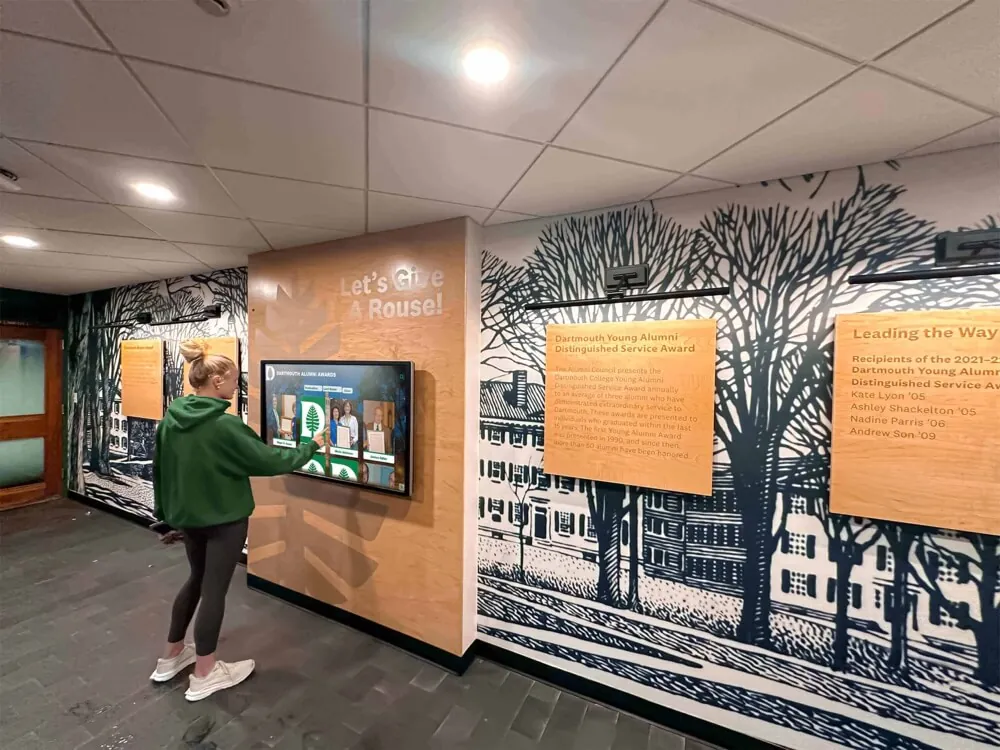
The Campus Navigator Guide is an AI-powered interactive touchscreen kiosk designed to streamline campus navigation. Featuring digital maps, real-time updates, and easy-to-use interfaces, it enhances student and visitor experiences. Mobile-compatible and seamlessly cloud-based, our system includes pre-made templates for quick setup. Improve campus accessibility with the Campus Navigator Guide.
Customizable design to match school colors and branding
Easily updatable to add new inductees and achievements
Interactive elements to engage visitors and tell compelling stories
Academic Awards
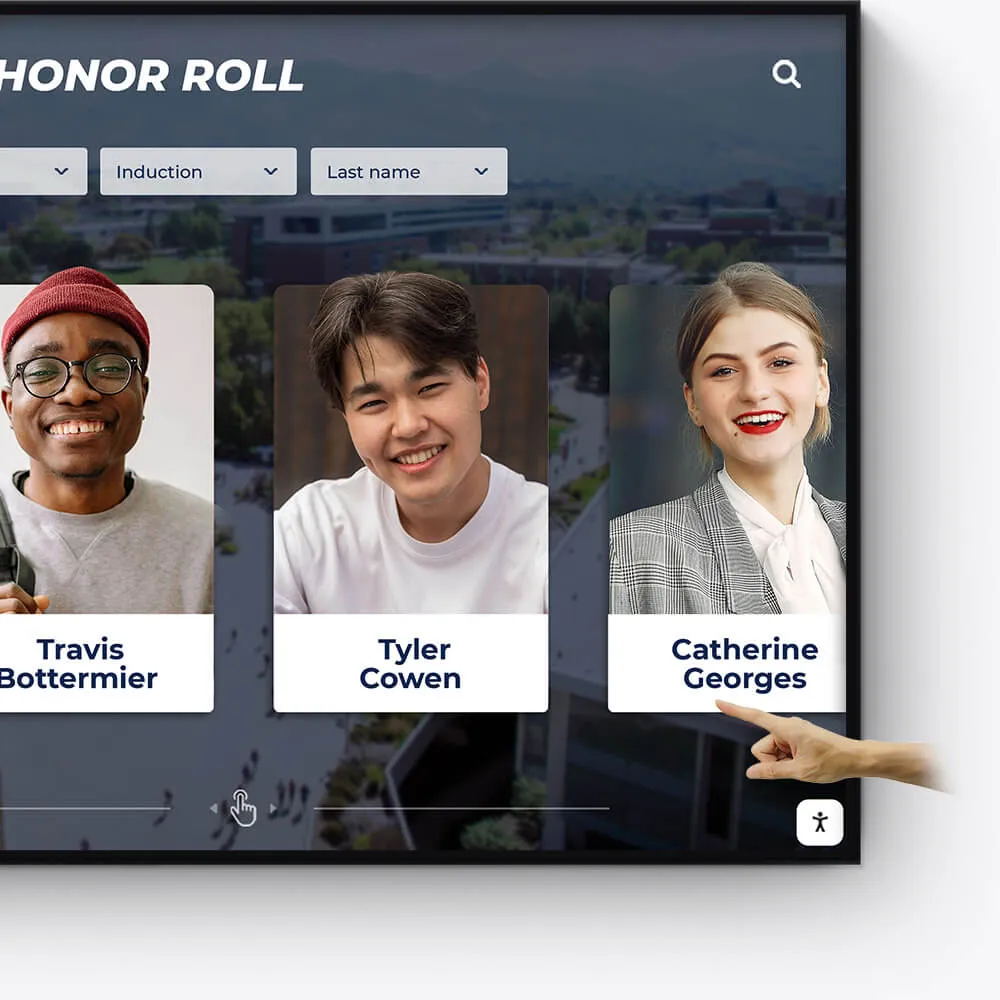
Honor academic excellence with a dynamic and interactive display of student achievements, scholarships, and notable accomplishments.
Showcase academic high achievers and scholarship recipients
Feature departmental and individual academic milestones
Integrate with school databases for real-time updates
Record Boards
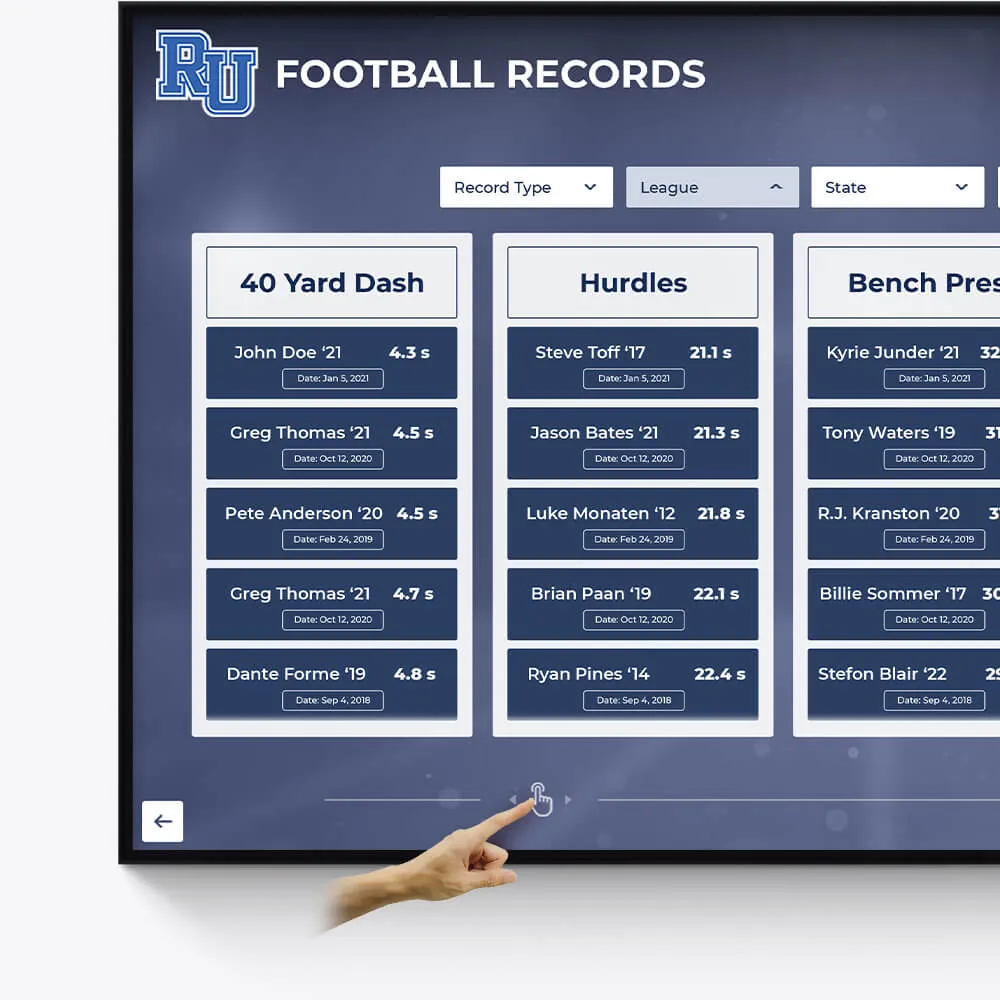
Immortalize outstanding athletic records and performances with our versatile digital record boards, ensuring lasting recognition.
Display current and historical record holders
Easy-to-update interface for new records
Engaging visuals to celebrate athletic achievements
Donor Recognition
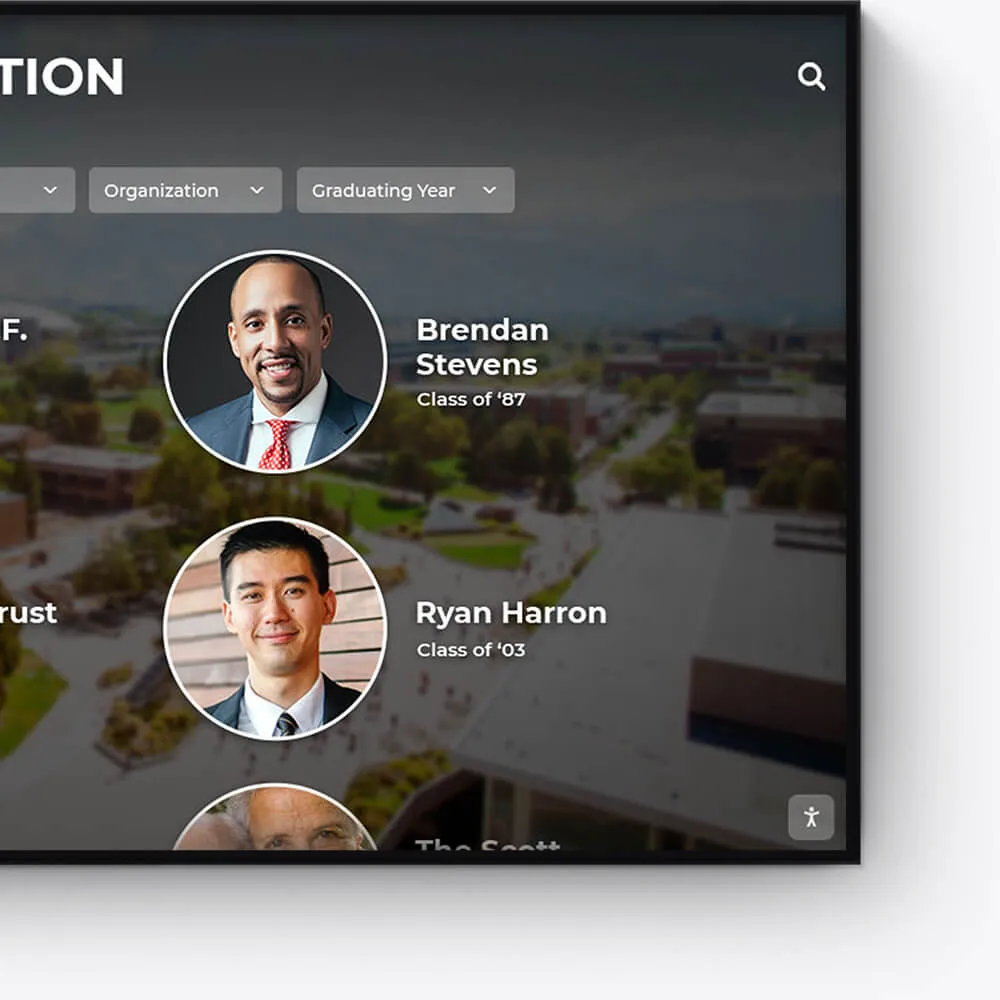
Acknowledge the generosity and impact of your donors with a dedicated and customizable digital display, fostering a culture of gratitude.
Highlight individual donors and their contributions
Incorporate donor stories and impact testimonials
Feature interactive donor walls with search functionality
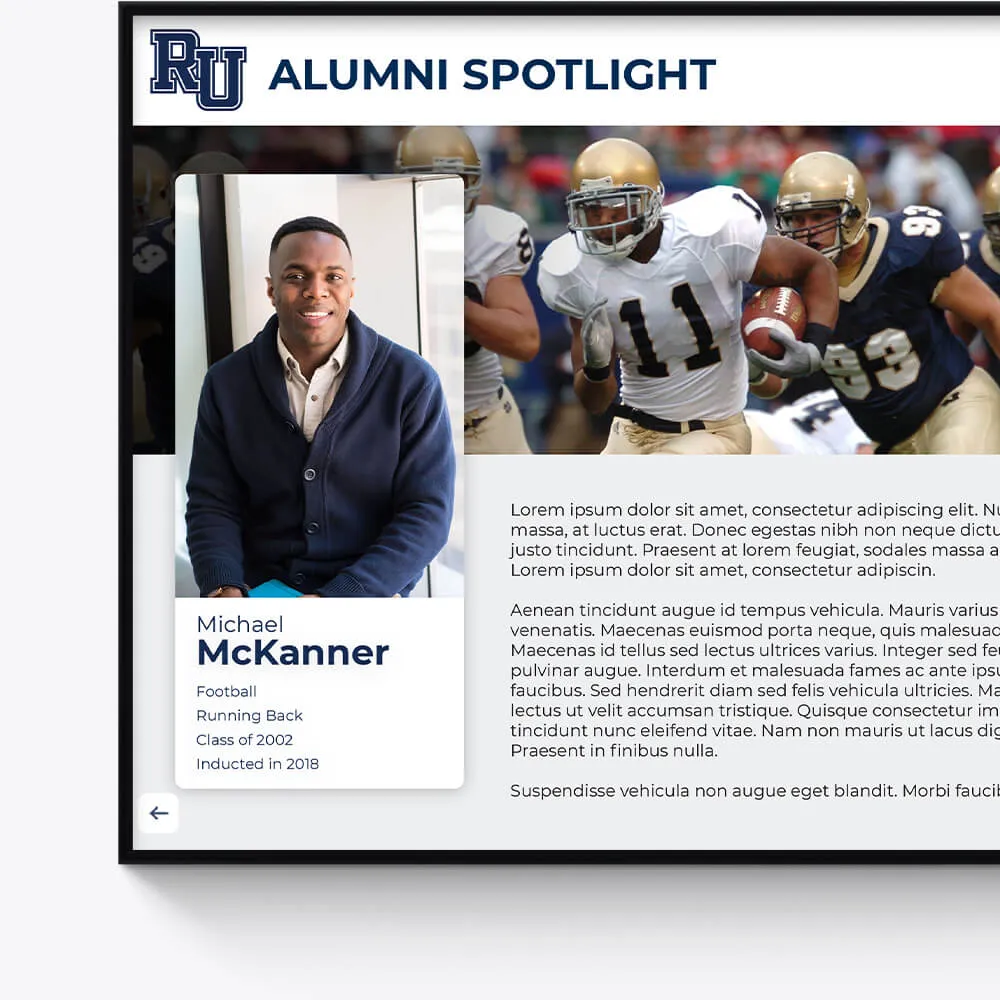
Distinguished Alumni
Showcase the success stories of your alumni, inspiring current and future students with a visually appealing and interactive alumni gallery.
Profile notable alumni with biographies and achievements
Link to alumni networks and success stories
Celebrate diverse paths and accomplishments post-graduation
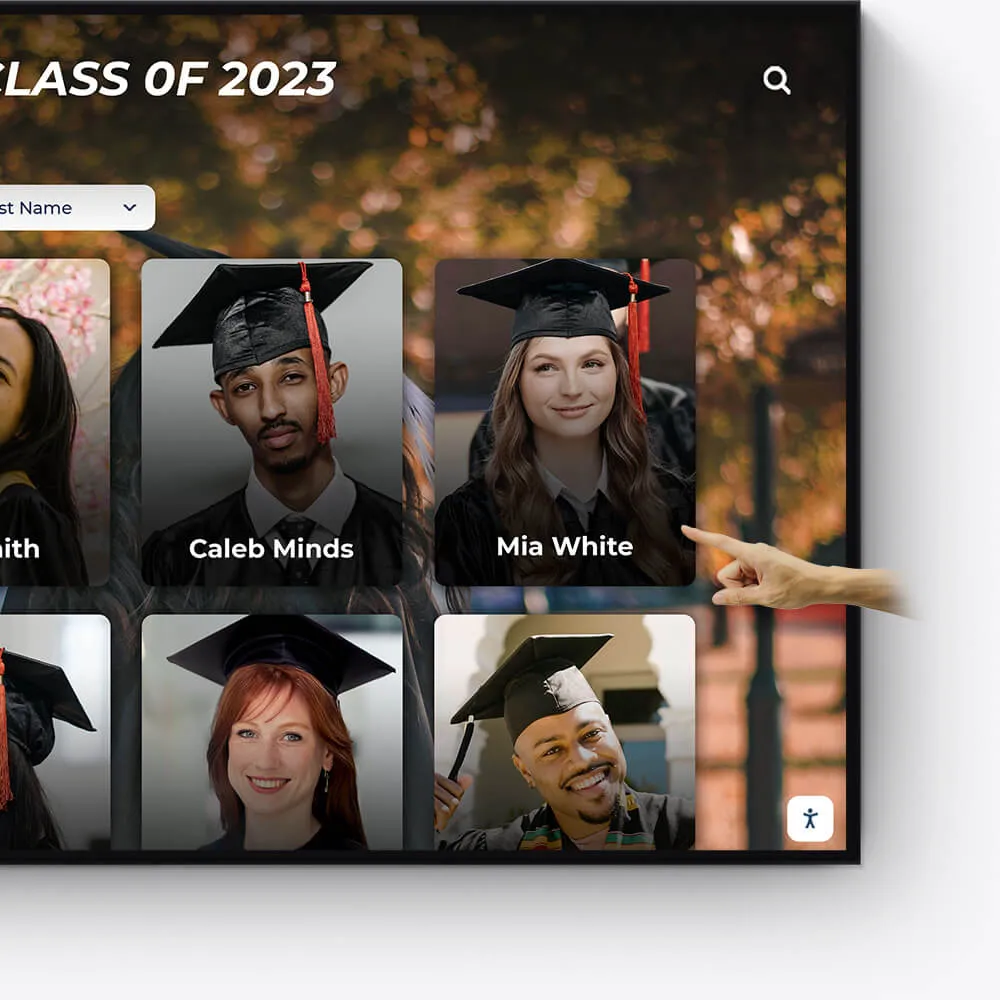
Graduation Honors
Celebrate your graduates' milestones with a dedicated display for cum laude, magna cum laude, and summa cum laude honorees.
Feature valedictorians, salutatorians, and honor graduates
Showcase graduation speeches and memorable moments
Offer a digital yearbook experience with graduate profiles
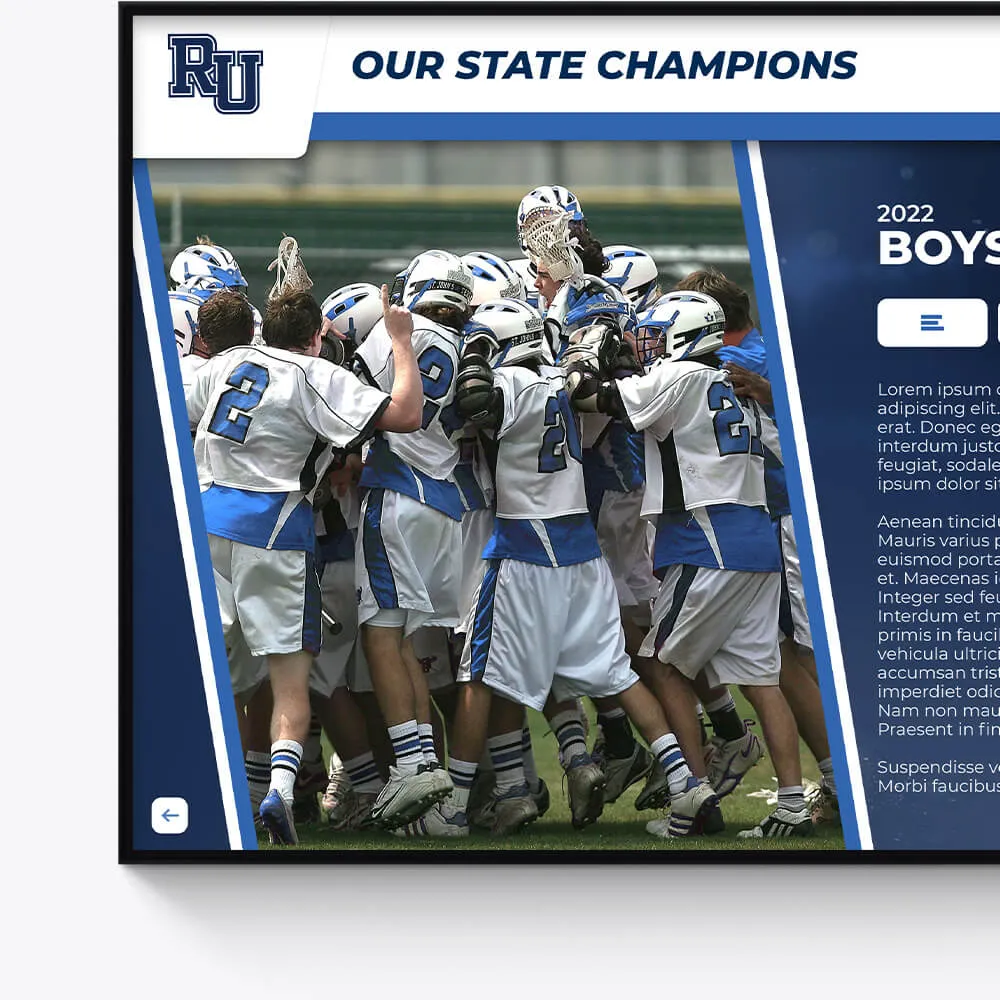
Team History
Chronicle the journey and milestones of your sports teams, creating an engaging historical narrative with our interactive displays.
Highlight championship wins and significant games
Showcase evolution of team uniforms and logos
Include past and present team rosters and coaches
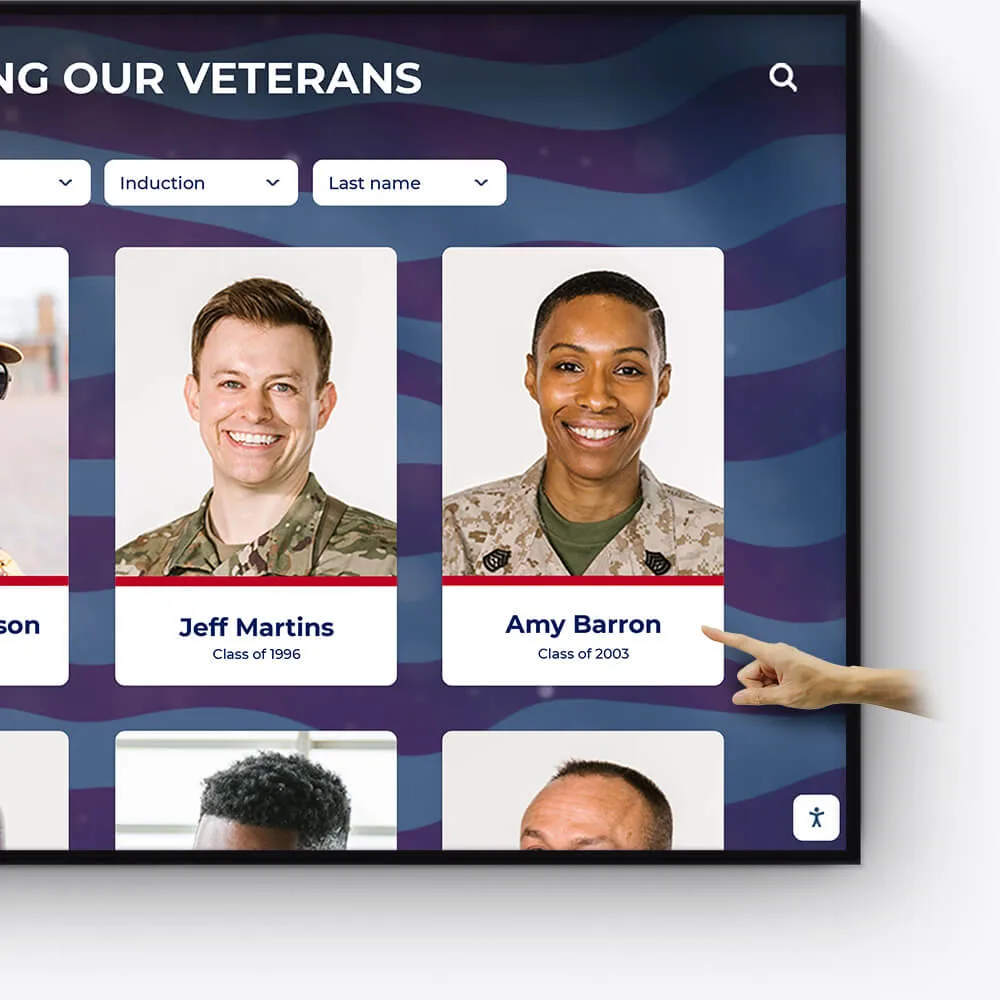
Wall of Honor for Veterans & Service Members
Honor the bravery, service, and sacrifice of veterans and active service members with a dedicated Wall of Honor. This tribute celebrates their commitment and the impact they have made in service to our nation.
Recognize the sacrifices and achievements of veterans and military personnel
Share personal stories, service histories, and accolades
Create a respectful and engaging tribute to those who serve
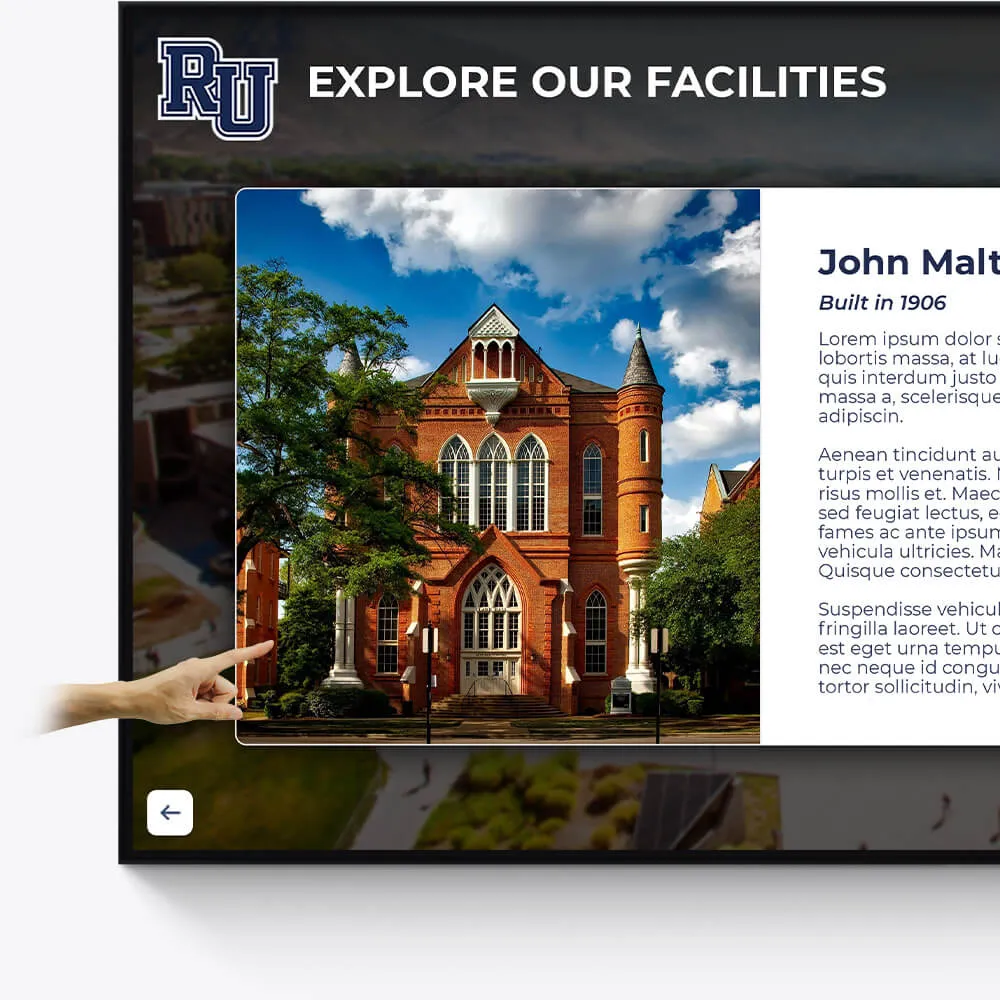
Facilities
Enhance the visitor experience at your facilities with interactive displays showcasing the history, features, and milestones of your buildings and grounds.
Provide virtual tours of your campus and facilities
Highlight renovations, expansions, and historical significance
Include donor recognition for facility contributions
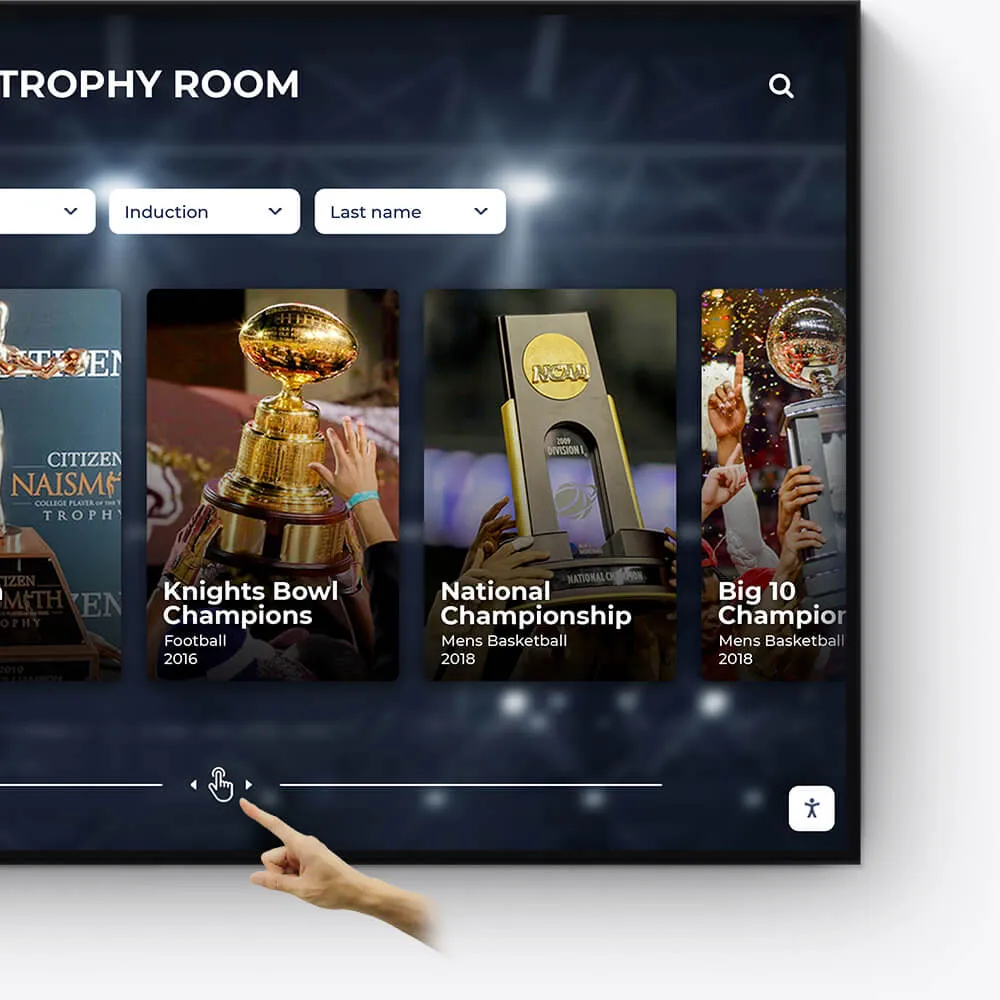
Awards
Showcase the diverse range of awards and honors received by your institution, students, and faculty in an engaging and interactive manner.
Feature departmental, athletic, and extracurricular awards
Highlight national and regional recognitions and rankings
Include interactive timelines of award achievements
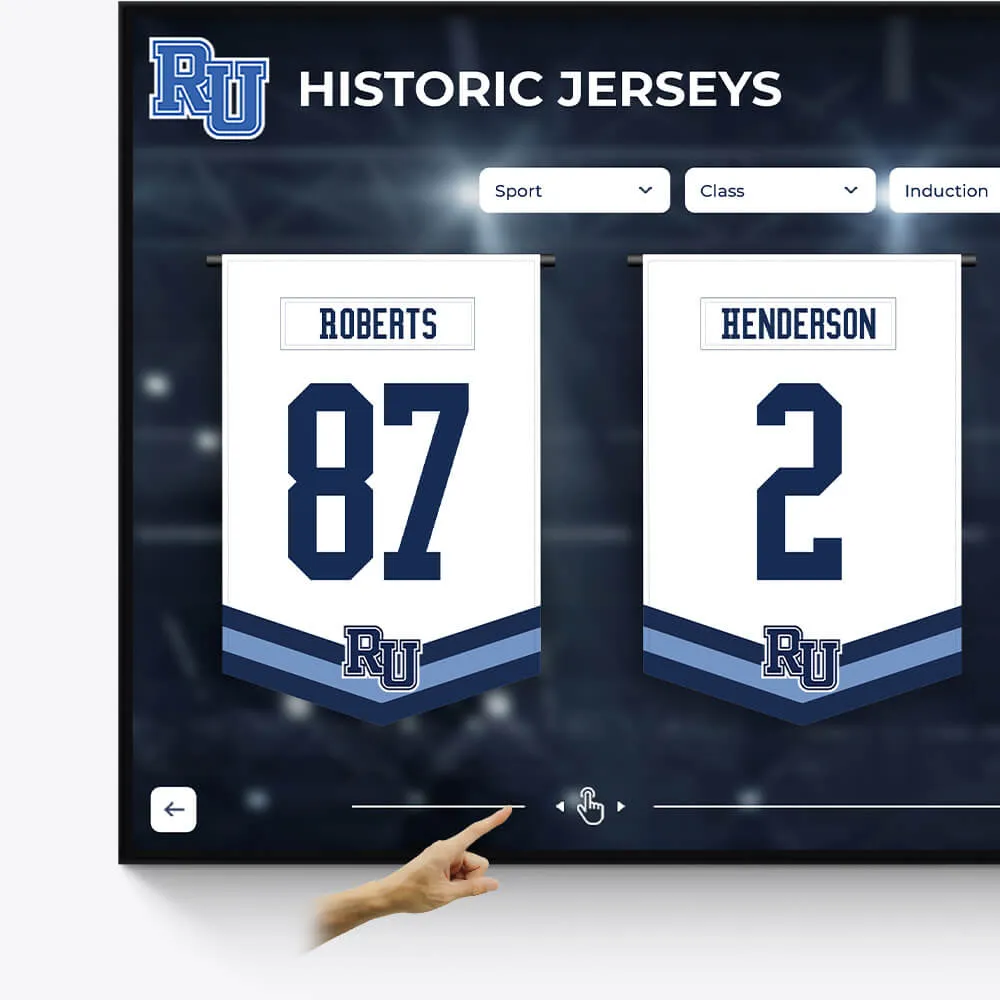
Olympians & Professional Athletes
Celebrate the extraordinary achievements of your alumni who have excelled in the Olympics or turned professional, showcasing their journey and successes.
Profile Olympians and professional athletes with their career highlights
Include achievements, accolades, and professional milestones
Share inspiring stories of dedication and triumph
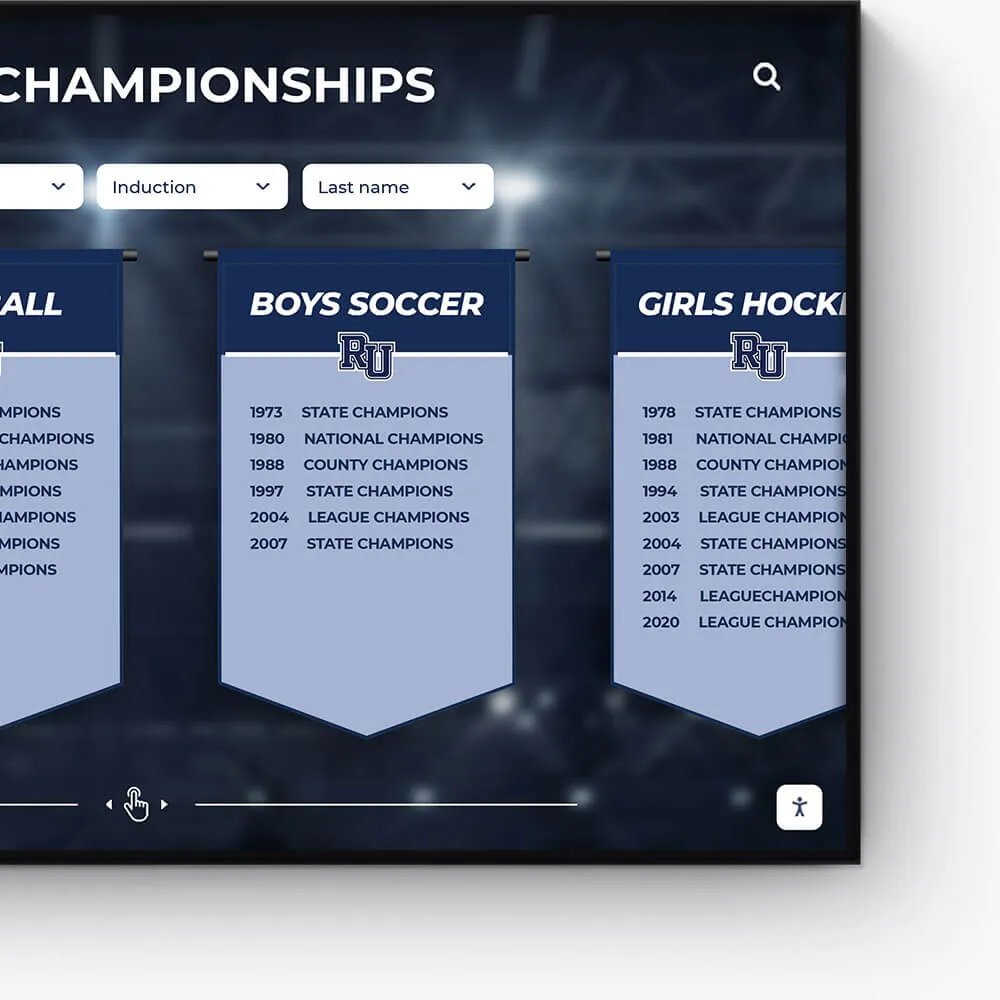
Plaques
Digitally transform traditional plaques into an interactive and dynamic format, offering a modern approach to recognition.
Convert legacy plaques into digital formats
Include detailed information and stories behind each plaque
Offer an interactive and engaging user experience
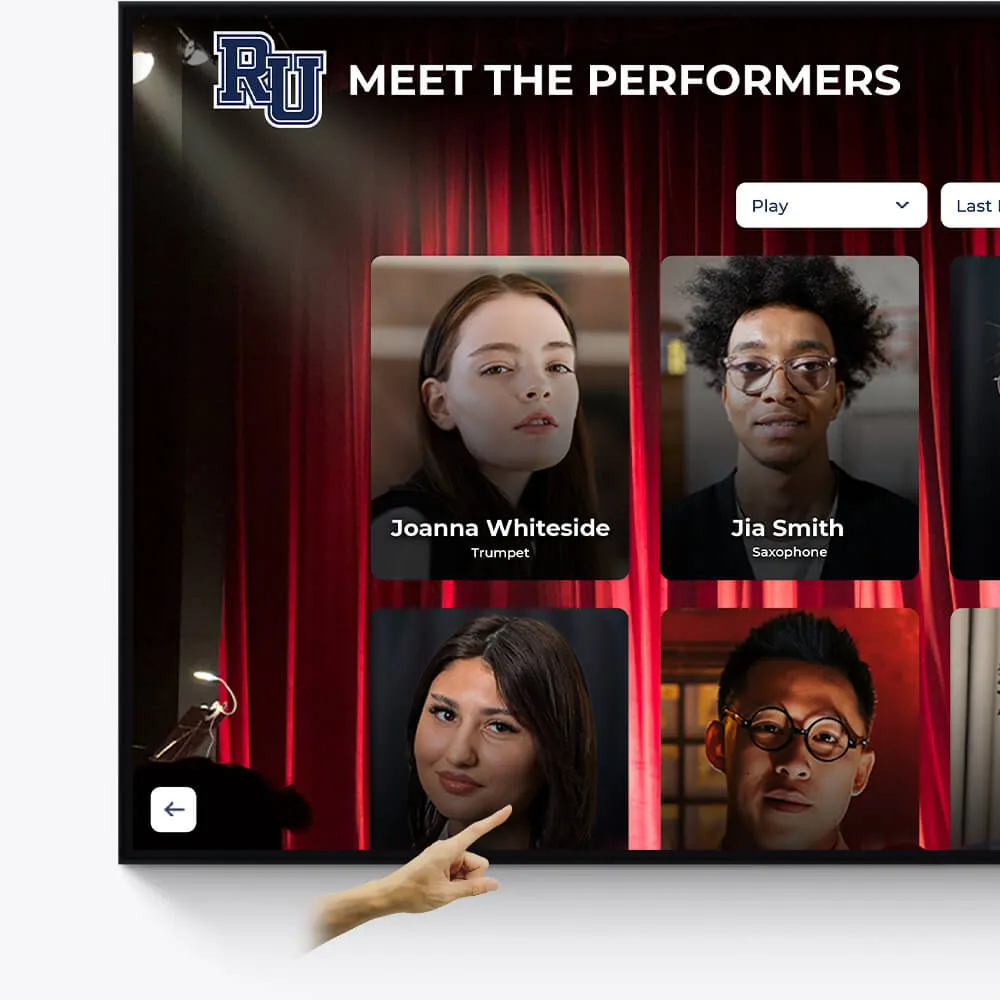
Music & Arts
Seamlessly repurpose old content, dynamically showcase new material, and intelligently adapt to events and announcements.
Make old content relevant again by targeting specific times and audiences
On-demand video access to concerts, a powerful tool for admissions and recognition
Elevated concert promotional content and digital programs