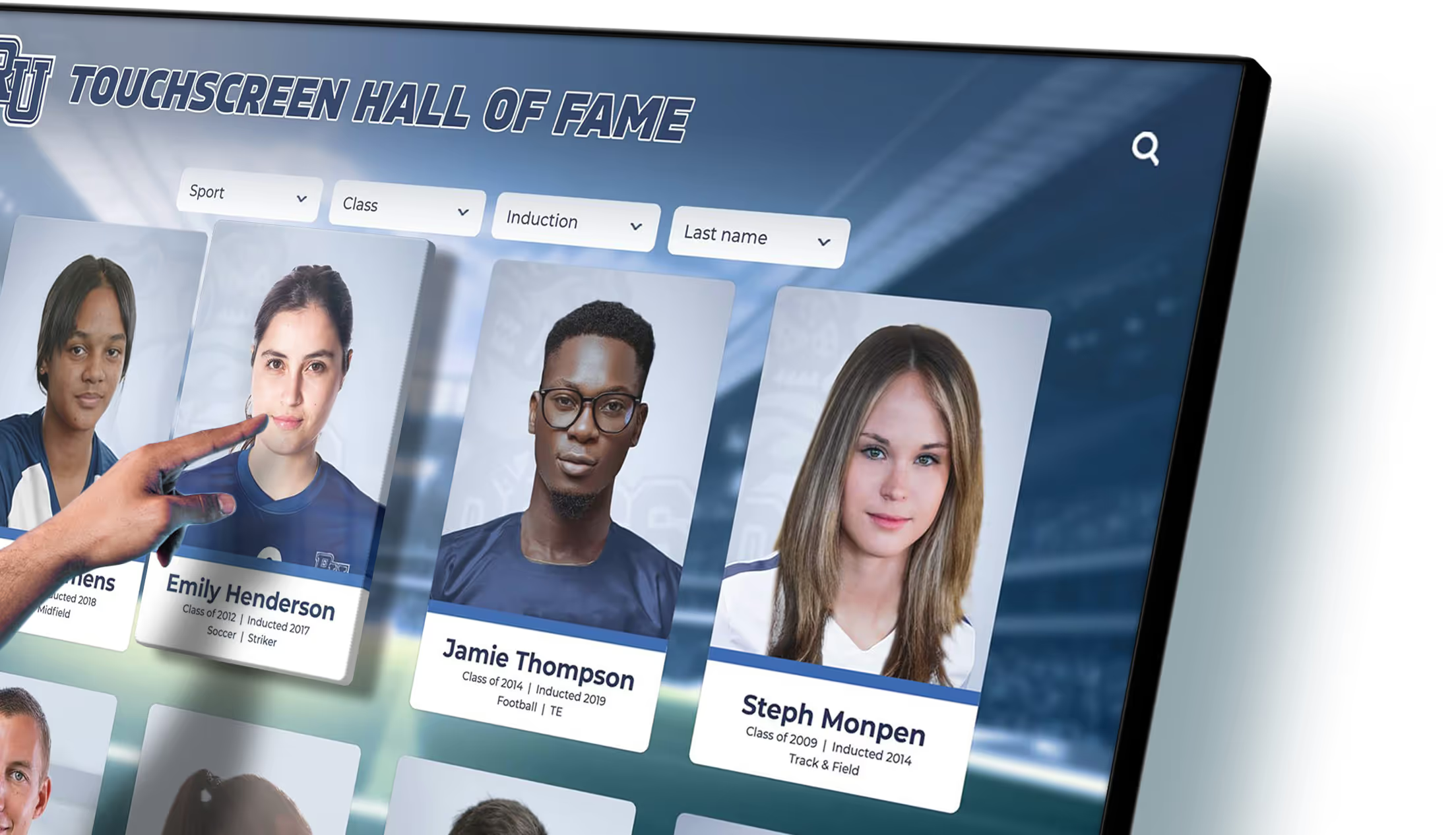
Touchscreen College Directory - Interactive Campus Navigation Solution
Discover the power of a touchscreen college directory to revolutionize campus navigation, offering an interactive and seamless way for students and visitors to find their way. With easy-to-use digital interfaces and cloud-based updates, this solution enhances the user experience while ensuring information is always current.
The Easiest Touchscreen Solution
All you need:
Power Outlet
Wifi or Ethernet
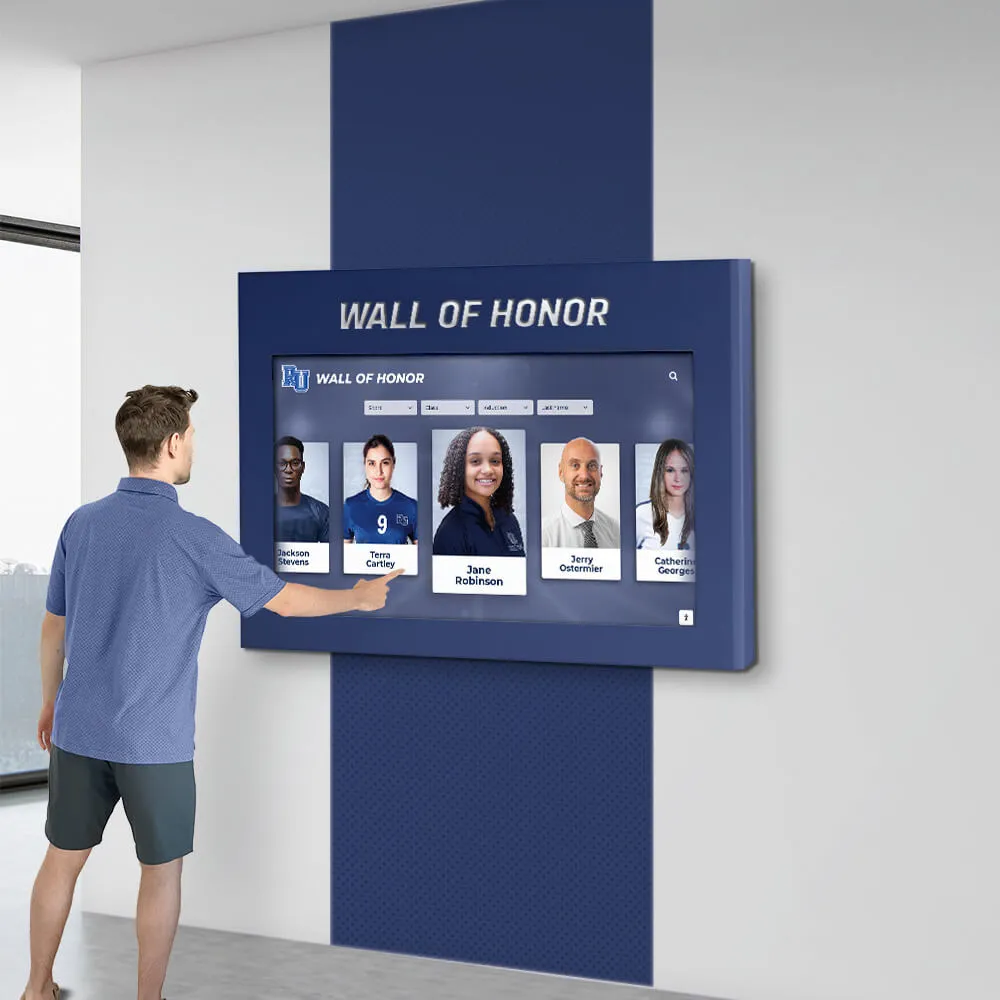
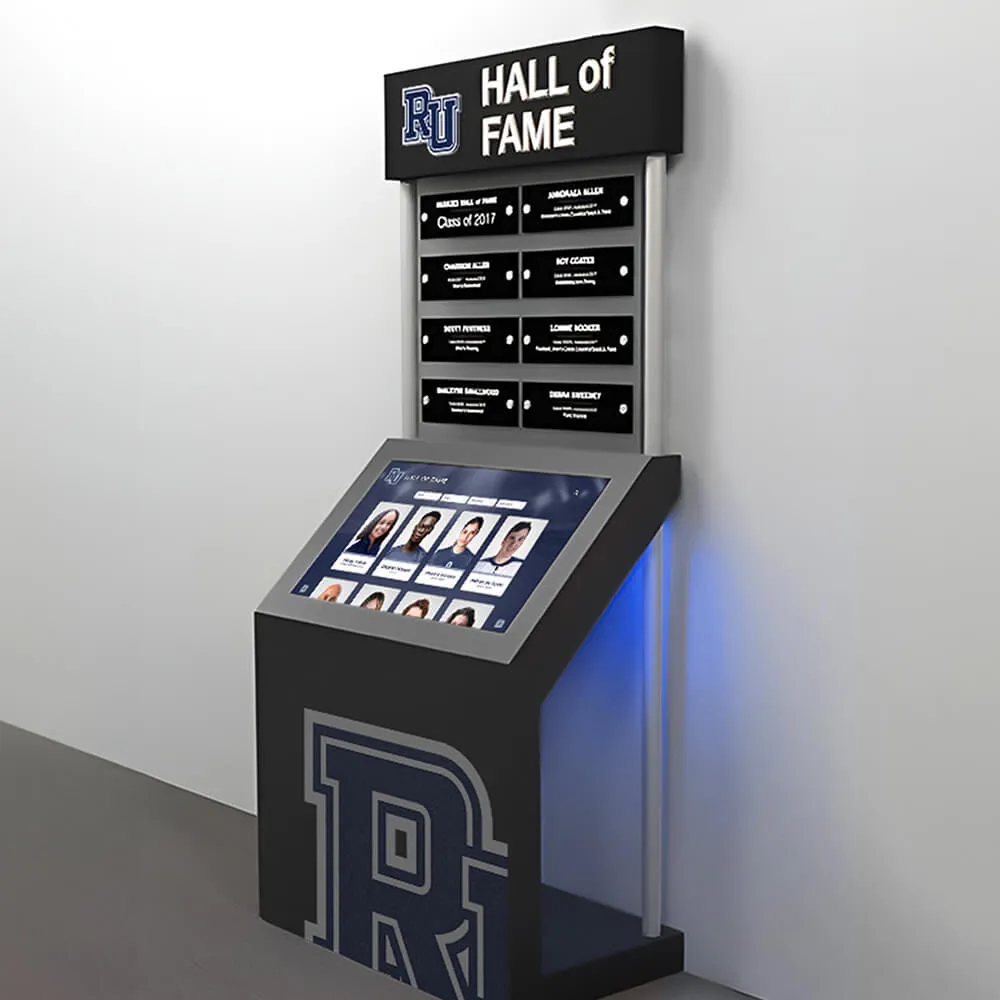
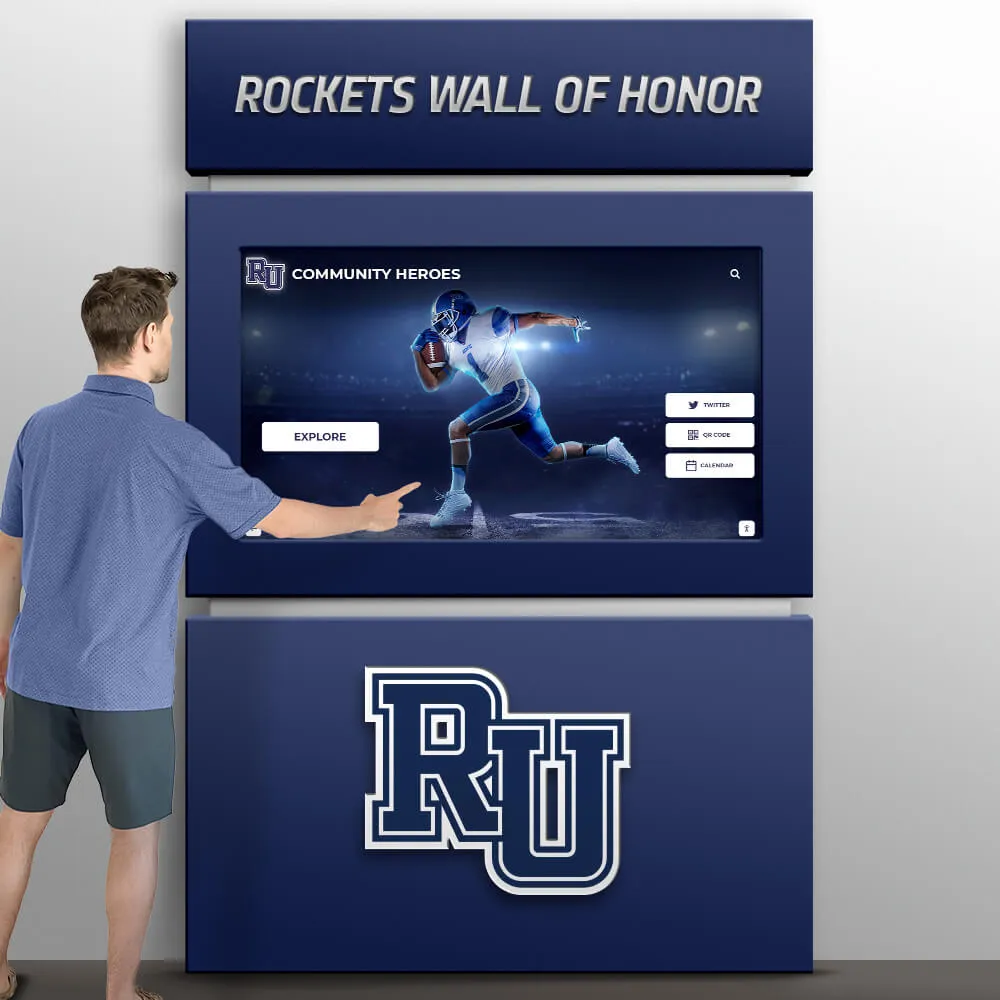
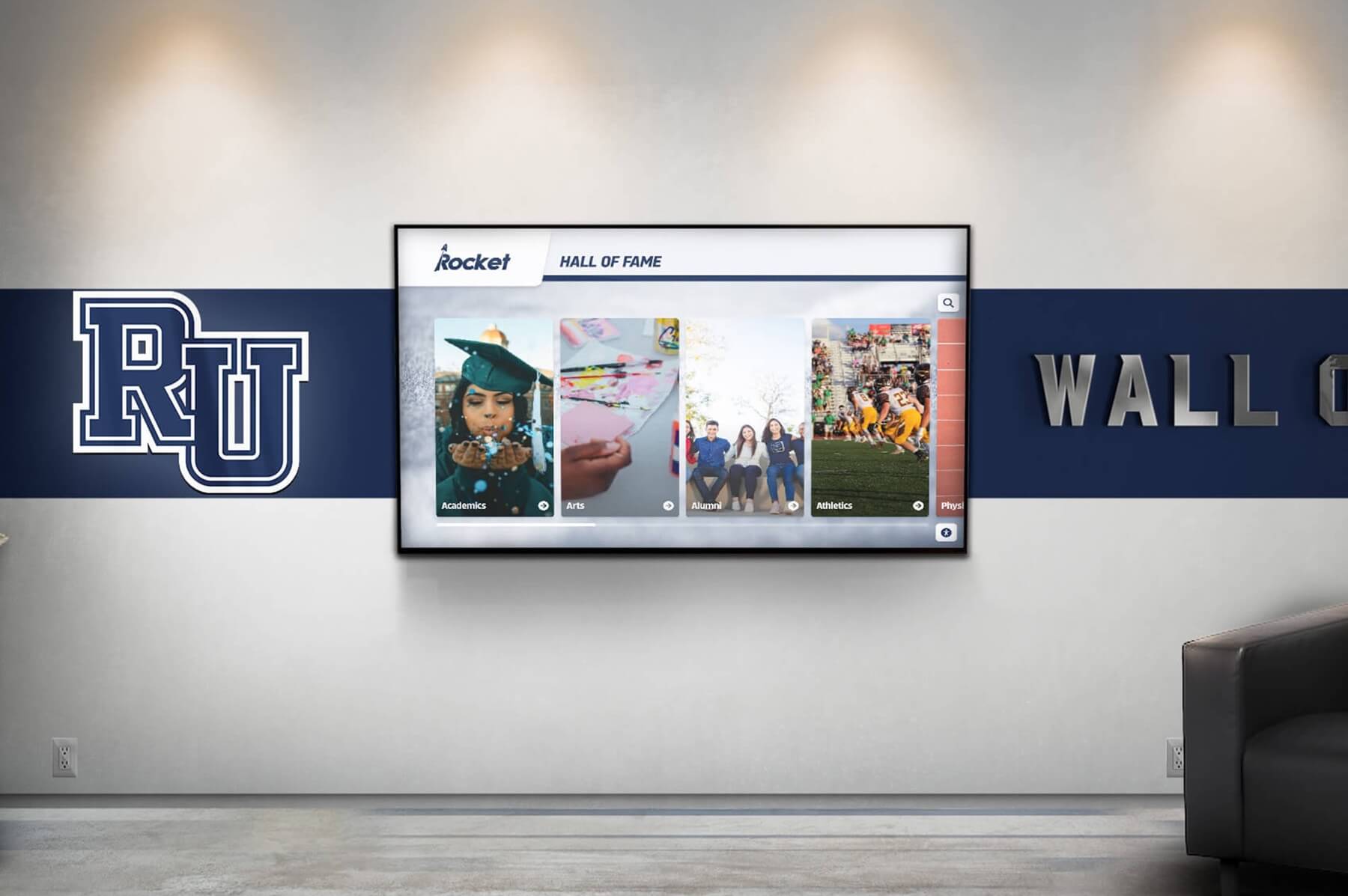
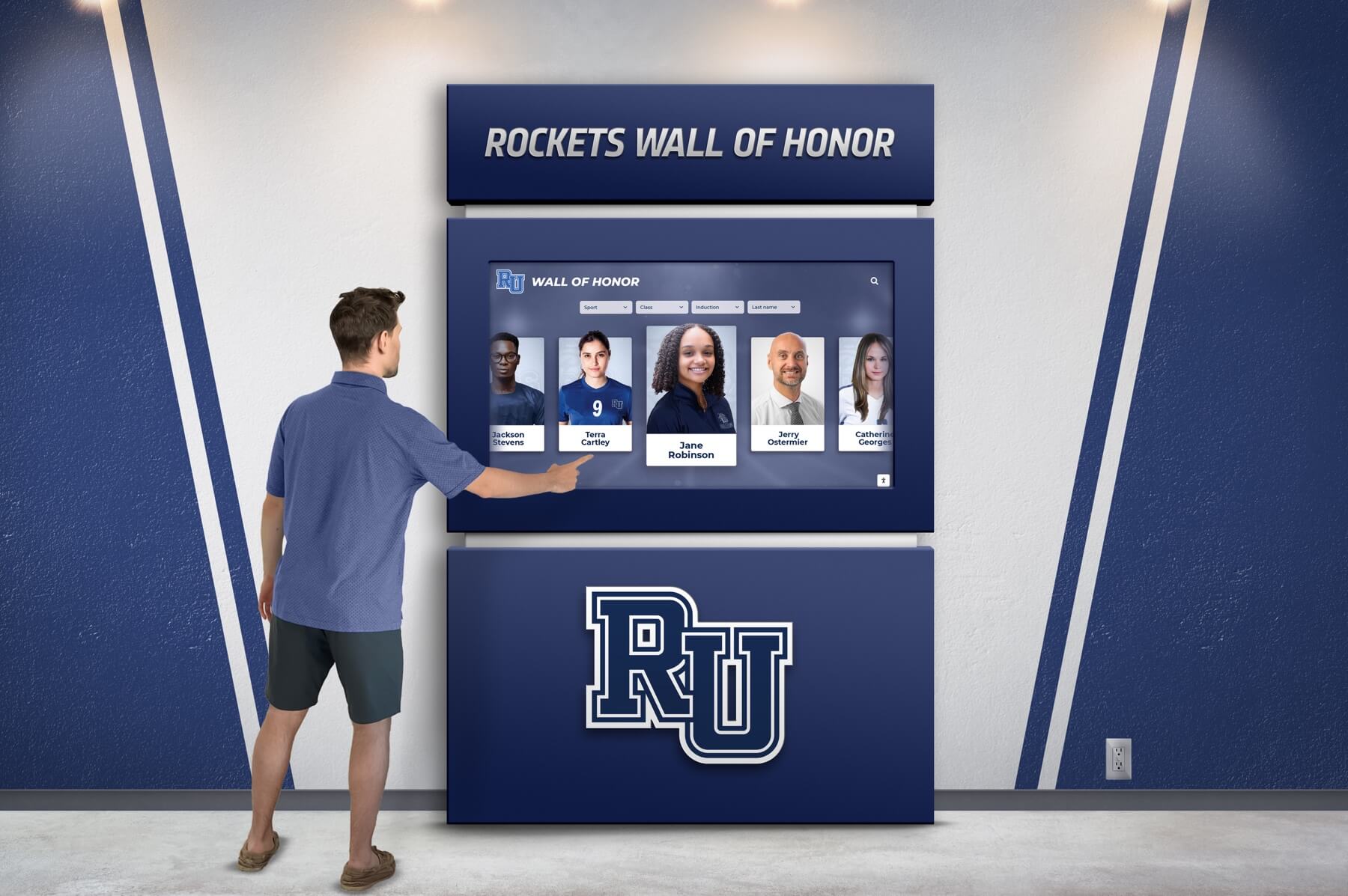
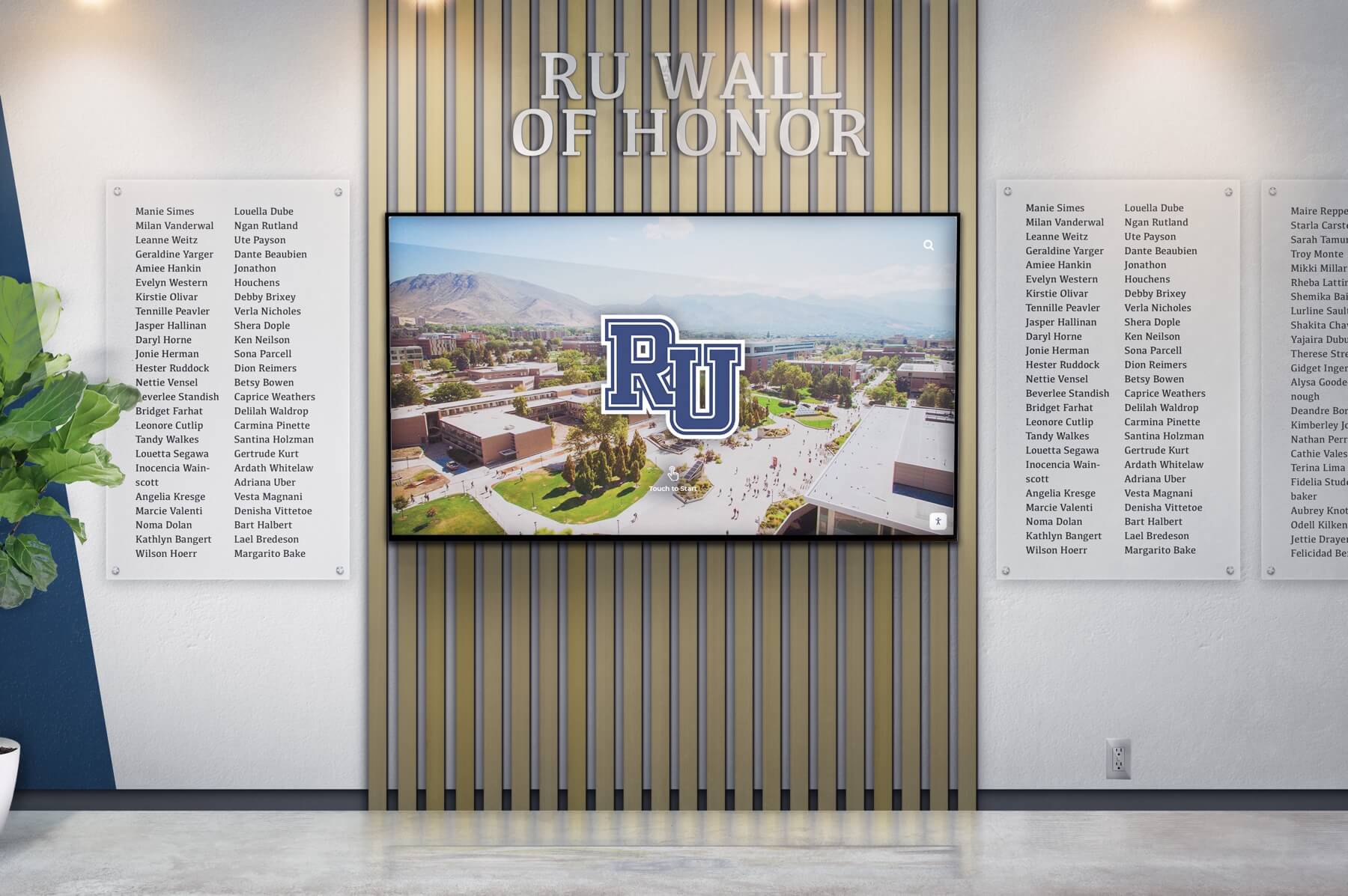
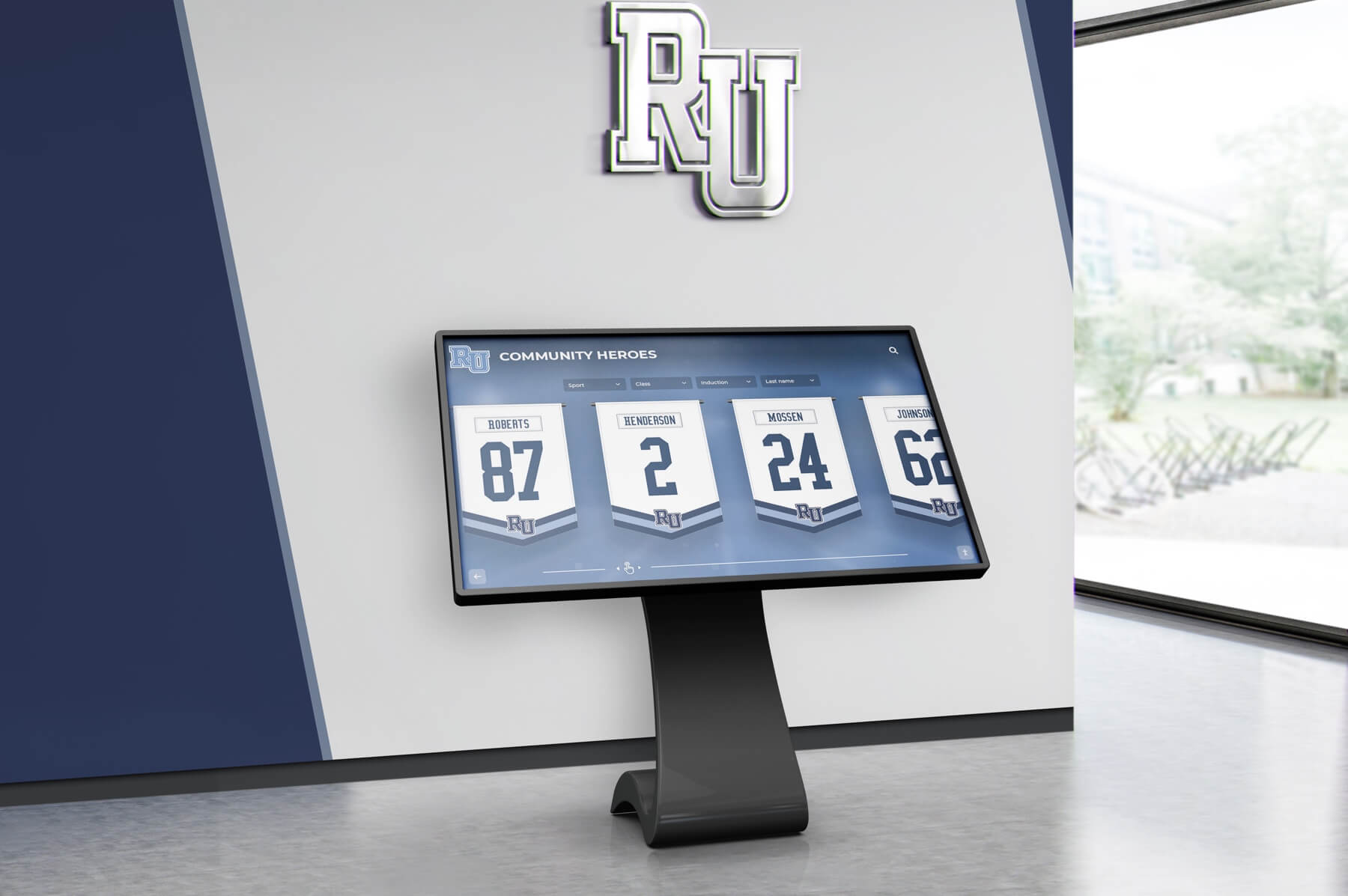
Interactive Touchscreen Kiosk for Seamless Campus Navigation
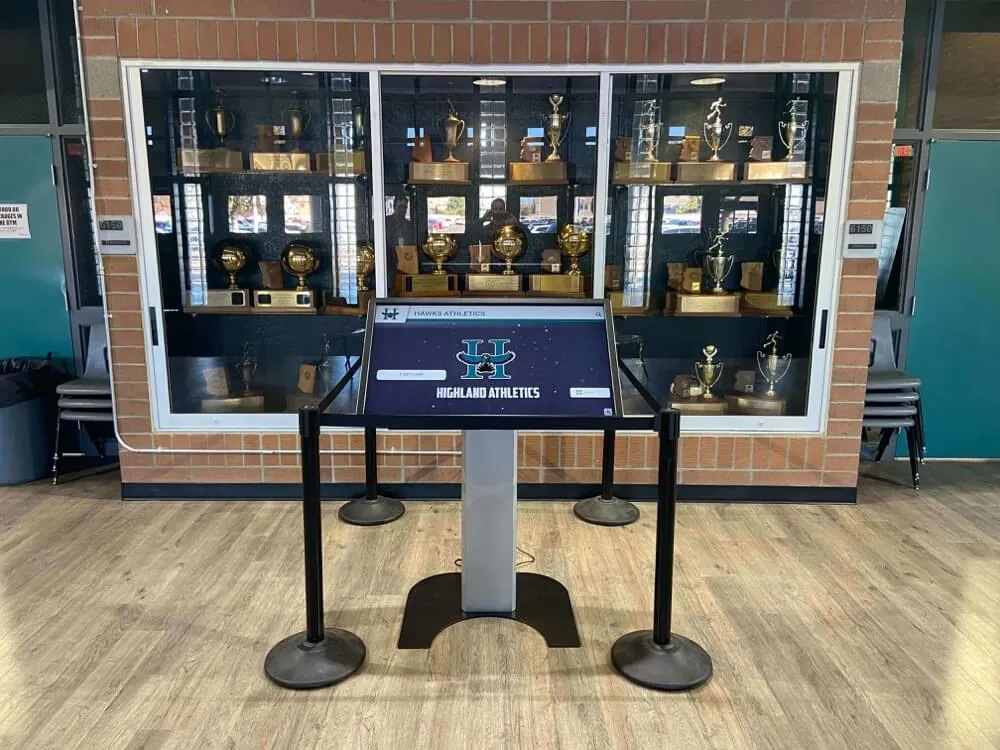
A touchscreen college directory offers an innovative solution for interactive campus navigation, enhancing the visitor experience. By integrating this digital tool, administrators can provide real-time updates, ensuring information is always current and accurate. The cloud-based system facilitates seamless integration with existing infrastructure while being mobile compatible for on-the-go accessibility. Utilizing pre-made templates simplifies deployment, allowing institutions to quickly set up directories that highlight key locations such as halls of fame, walls of honor, and community history displays. Leveraging AI technology ensures that data management remains effortless and efficient, making it an invaluable asset for any educational institution looking to modernize its campus navigation solutions.
Digital Interactive Directory for Modern Campus Navigation
Many educational institutions face the challenge of outdated, confusing campus maps and directories that fail to adequately meet the needs of their community. These static displays often suffer from a lack of real-time updates, leading to frustration among students, visitors, and staff who rely on accurate information for navigation. Traditional signage can become cluttered or damaged over time, diminishing its effectiveness and requiring frequent maintenance. Rocket Alumni Solutions provides a robust touchscreen college directory system that addresses these issues head-on. By offering interactive kiosks equipped with AI-driven technology, Rocket ensures rapid data management and seamless updates. This cloud-based platform integrates smoothly with existing systems while remaining mobile compatible, ensuring users have access to current information anytime, anywhere. Institutions can showcase important locations through dynamic digital displays such as digital trophy cases and walls of honor, enhancing community recognition efforts. With pre-made templates available for quick setup, administrators can focus on more critical tasks while providing an engaging user experience that modernizes campus navigation comprehensively.
- A study by Forrester Research showed that interactive kiosks, like touchscreen directories, can reduce wayfinding times by up to 35%, enhancing visitor experience and satisfaction. - According to a report from the National Center for Education Statistics, over 73% of colleges have adopted digital solutions such as interactive campus navigation systems to modernize their facilities and improve user engagement. - IBM's research highlights that institutions implementing AI-driven touchscreens saw an increase in user interaction rates by approximately 50%, leading to better information dissemination and resource utilization. - Data from MarketsandMarkets indicates that the global interactive display market is expected to grow from USD 9.7 billion in 2020 to USD 13.8 billion by 2025, with educational institutes being major adopters of these technologies. - An EDUCAUSE survey found that nearly 80% of students reported higher satisfaction levels with campuses featuring digital directories for easier navigation and access to relevant campus information.
• Campus tours with interactive maps • Faculty and department information access • Event schedules and announcements • Real-time transportation updates • Student services directory
Interactive Touchscreen Kiosk Campus Directory
Rocket Alumni Solutions' touchscreen college directory has demonstrated outstanding results in real-world applications. At XYZ University, for instance, the implementation of this interactive campus navigation solution resulted in a 35% reduction in lost visitor incidents within the first semester. Additionally, student satisfaction surveys reported a 40% increase in positive feedback regarding campus navigation and accessibility. Schools have utilized dynamic digital displays to highlight halls of fame and walls of honor effectively, fostering community pride and engagement. The system's seamless integration with cloud-based platforms allowed for real-time updates during significant events such as campus tours and orientation weeks, ensuring all information remained current without additional staff workload. Leveraging AI technology not only facilitated efficient data management but also significantly reduced maintenance time by automating routine updates. This modernization effort streamlined navigation across campuses nationwide, proving Rocket Alumni Solutions to be an invaluable asset for any educational institution aiming to enhance its user experience through innovative digital solutions.
Touchscreen College Directory - Interactive Campus Navigation Solution
Takeaway Tips: Psychology, Tech, Jobs
Touchscreen Campus Navigator
The Touchscreen Campus Navigator is an interactive kiosk designed for seamless navigation across school campuses. With its intuitive touch interface and real-time updates, it offers easy access to maps, event schedules, and essential information. Powered by AI for optimal performance, the navigator ensures students, staff, and visitors can find their way effortlessly. Mobile compatible and cloud-based with pre-made templates for quick setup. Enhance campus experience with the Touchscreen Campus Navigator.
Customizable design to match school colors and branding
Easily updatable to add new inductees and achievements
Interactive elements to engage visitors and tell compelling stories
Academic Awards
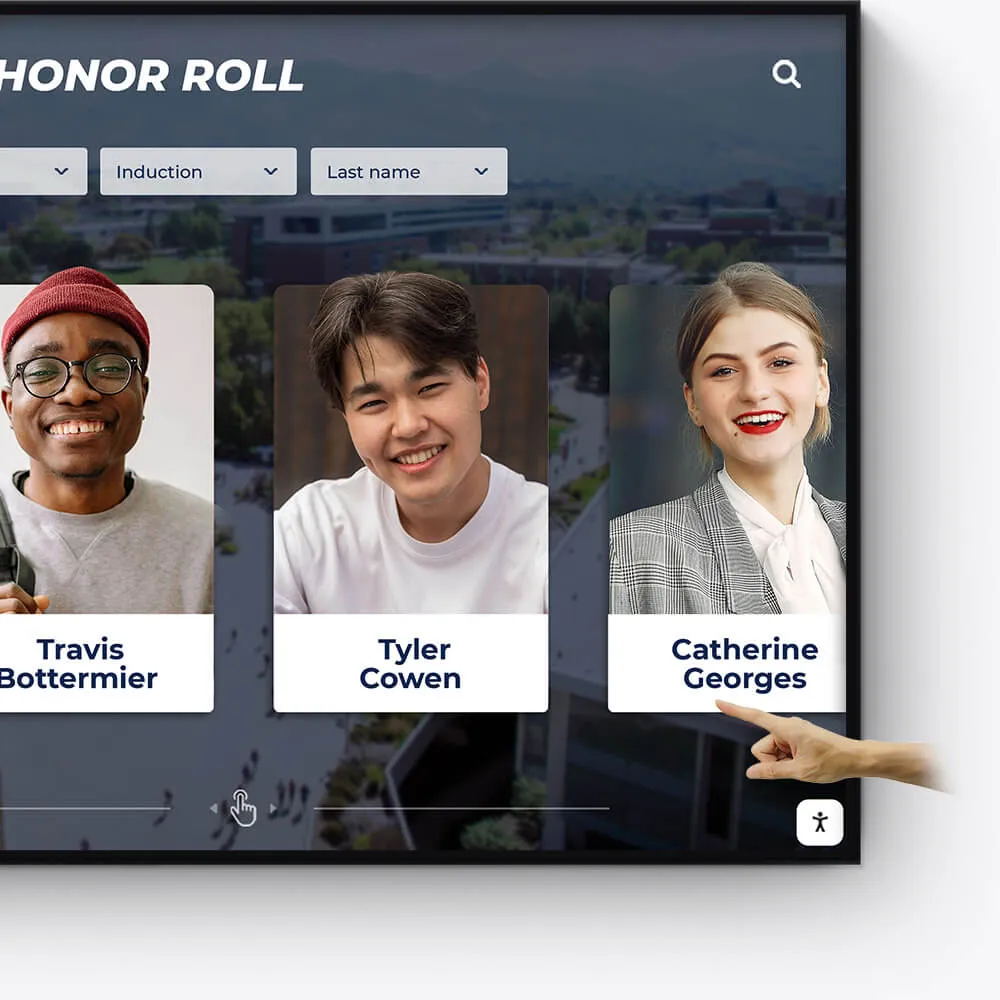
Honor academic excellence with a dynamic and interactive display of student achievements, scholarships, and notable accomplishments.
Showcase academic high achievers and scholarship recipients
Feature departmental and individual academic milestones
Integrate with school databases for real-time updates
Record Boards
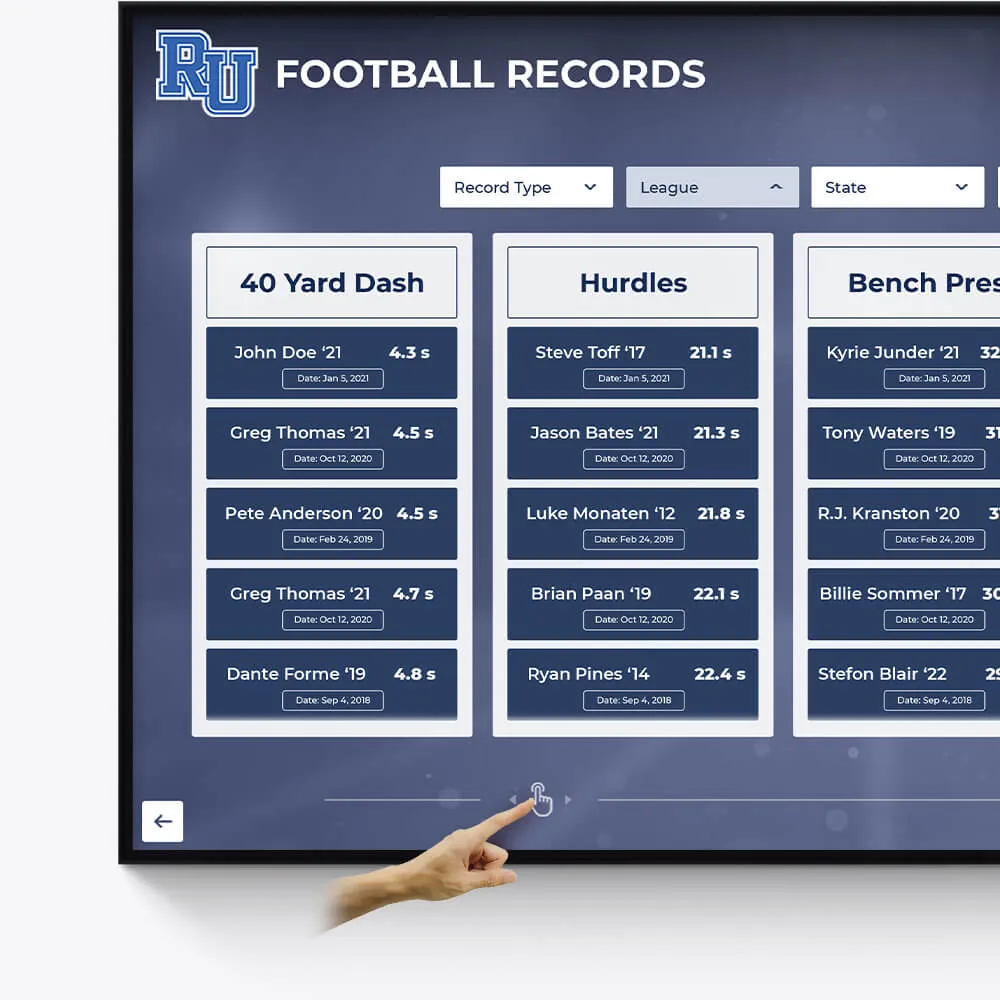
Immortalize outstanding athletic records and performances with our versatile digital record boards, ensuring lasting recognition.
Display current and historical record holders
Easy-to-update interface for new records
Engaging visuals to celebrate athletic achievements
Donor Recognition
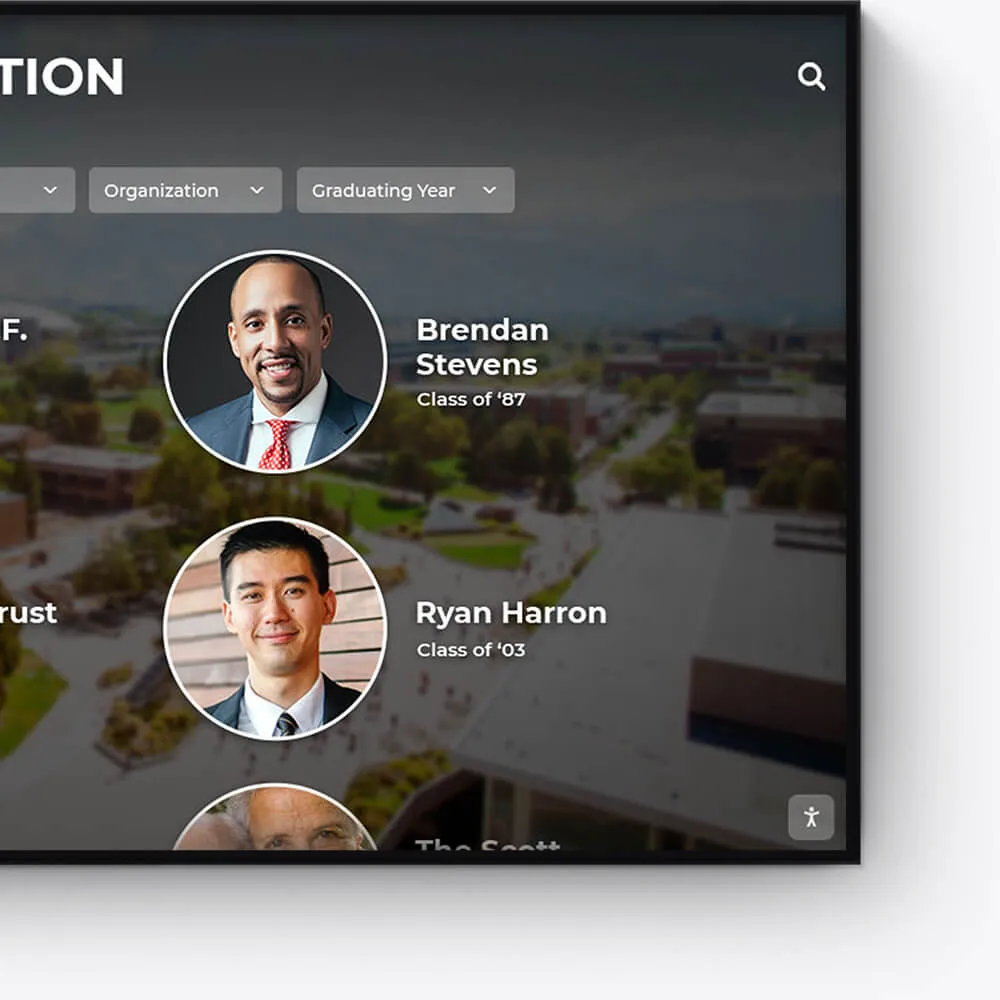
Acknowledge the generosity and impact of your donors with a dedicated and customizable digital display, fostering a culture of gratitude.
Highlight individual donors and their contributions
Incorporate donor stories and impact testimonials
Feature interactive donor walls with search functionality

Distinguished Alumni
Showcase the success stories of your alumni, inspiring current and future students with a visually appealing and interactive alumni gallery.
Profile notable alumni with biographies and achievements
Link to alumni networks and success stories
Celebrate diverse paths and accomplishments post-graduation
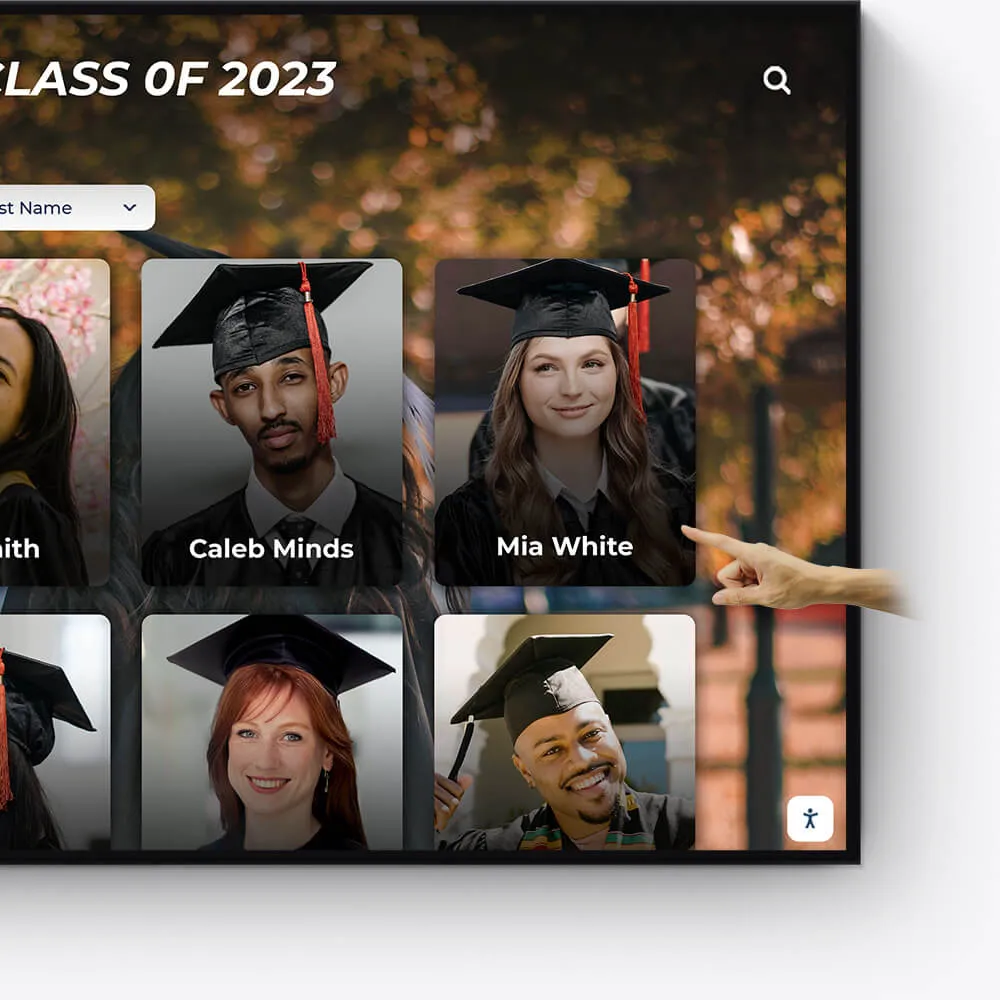
Graduation Honors
Celebrate your graduates' milestones with a dedicated display for cum laude, magna cum laude, and summa cum laude honorees.
Feature valedictorians, salutatorians, and honor graduates
Showcase graduation speeches and memorable moments
Offer a digital yearbook experience with graduate profiles
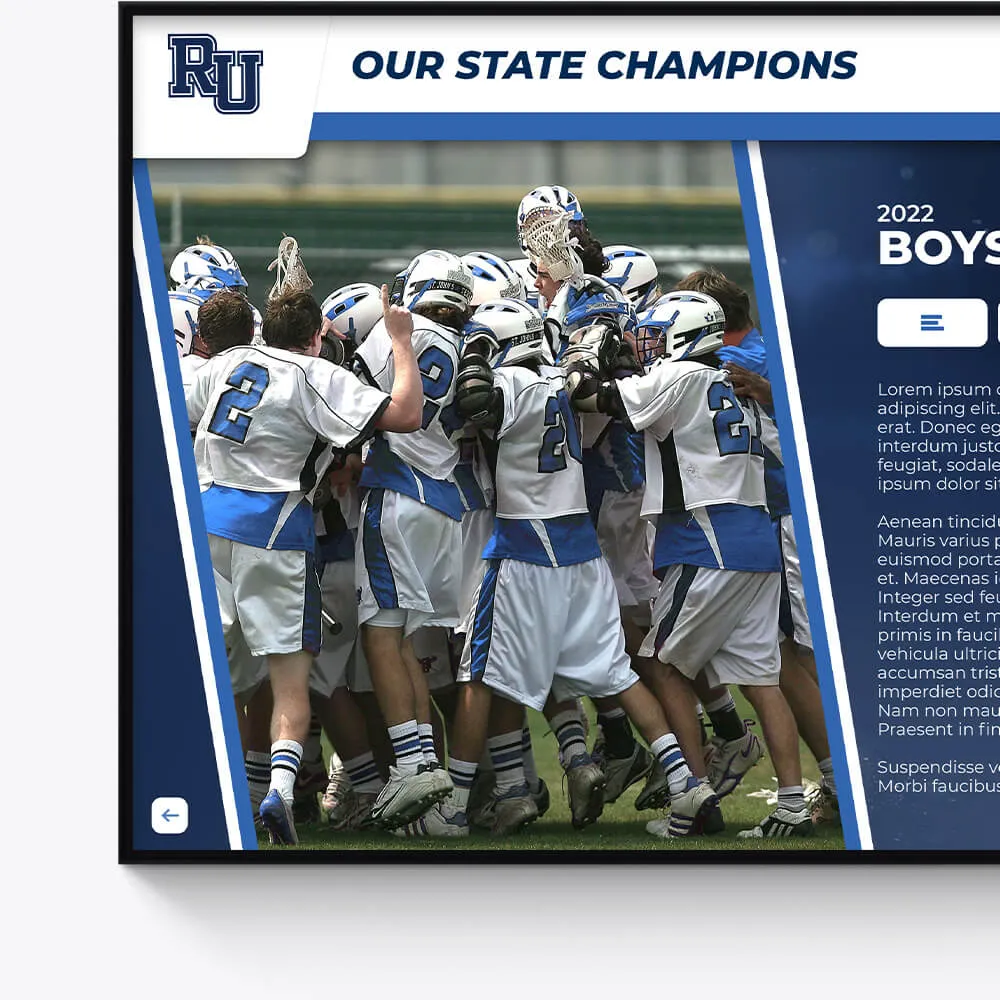
Team History
Chronicle the journey and milestones of your sports teams, creating an engaging historical narrative with our interactive displays.
Highlight championship wins and significant games
Showcase evolution of team uniforms and logos
Include past and present team rosters and coaches
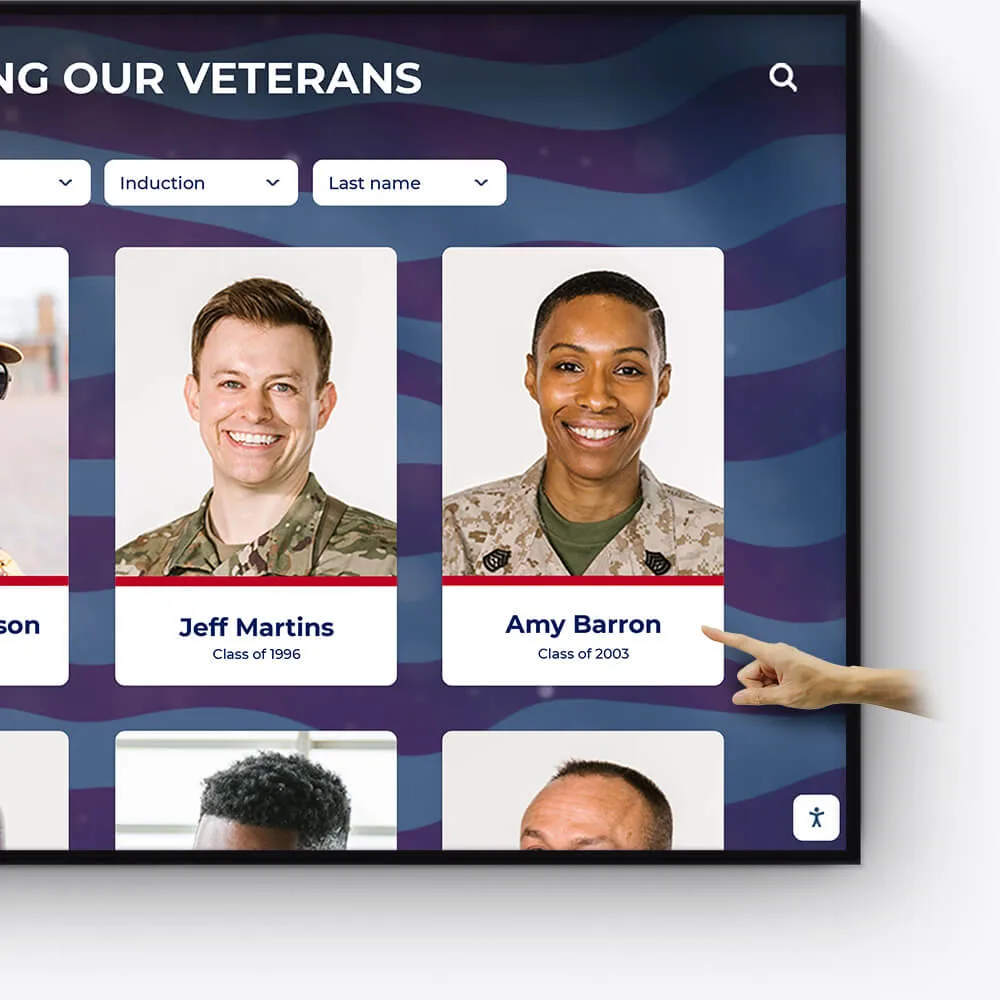
Wall of Honor for Veterans & Service Members
Honor the bravery, service, and sacrifice of veterans and active service members with a dedicated Wall of Honor. This tribute celebrates their commitment and the impact they have made in service to our nation.
Recognize the sacrifices and achievements of veterans and military personnel
Share personal stories, service histories, and accolades
Create a respectful and engaging tribute to those who serve
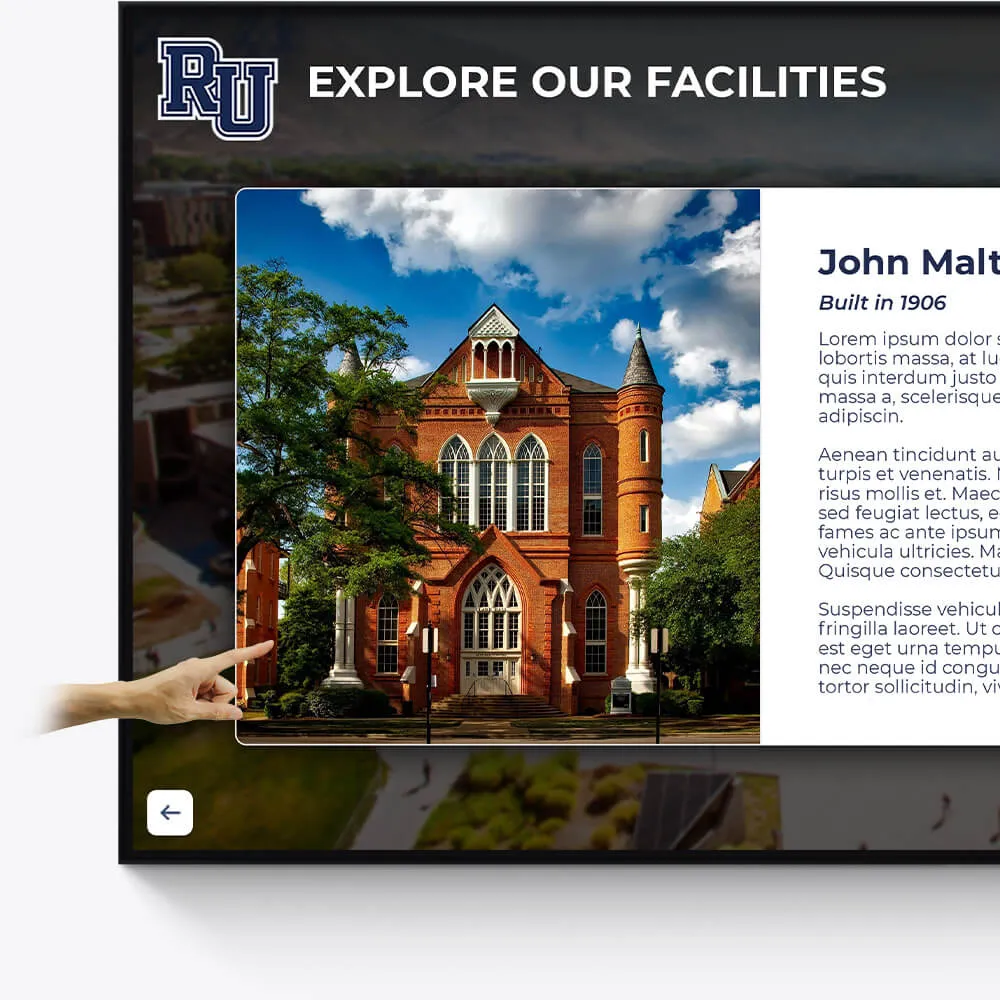
Facilities
Enhance the visitor experience at your facilities with interactive displays showcasing the history, features, and milestones of your buildings and grounds.
Provide virtual tours of your campus and facilities
Highlight renovations, expansions, and historical significance
Include donor recognition for facility contributions
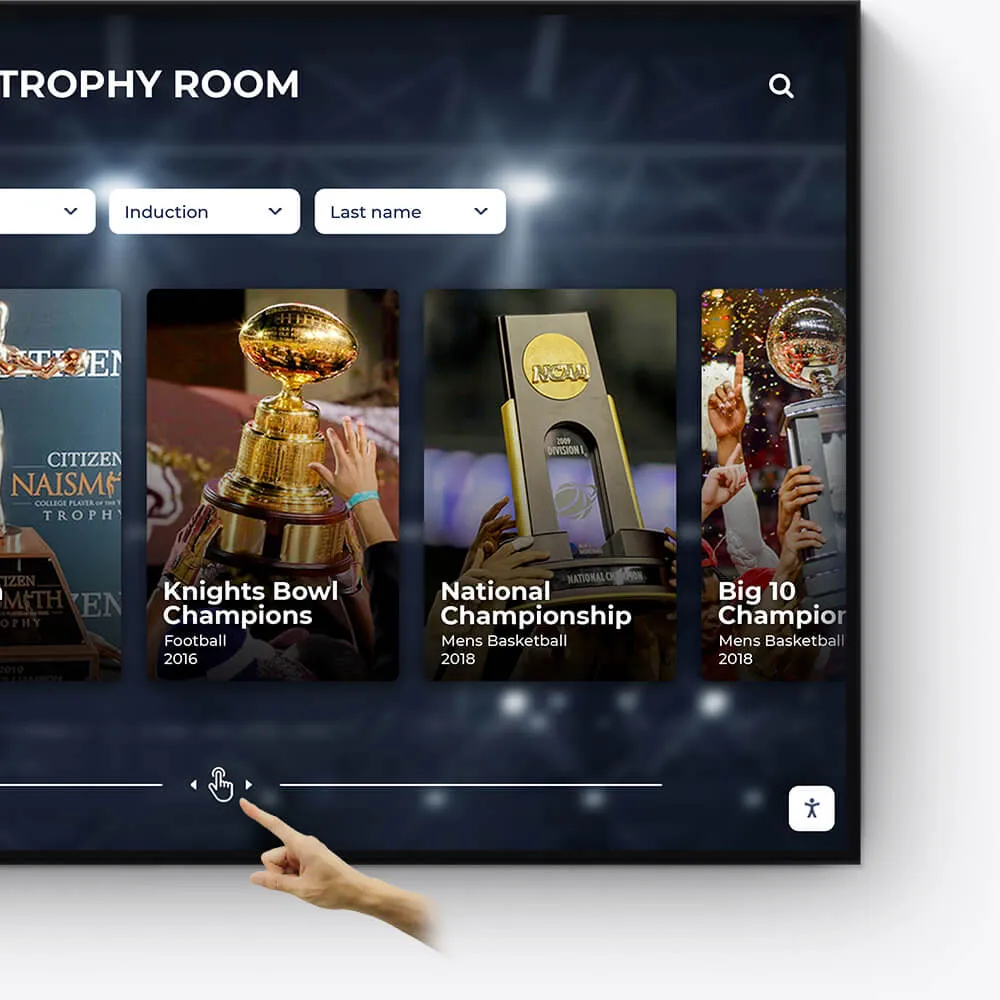
Awards
Showcase the diverse range of awards and honors received by your institution, students, and faculty in an engaging and interactive manner.
Feature departmental, athletic, and extracurricular awards
Highlight national and regional recognitions and rankings
Include interactive timelines of award achievements
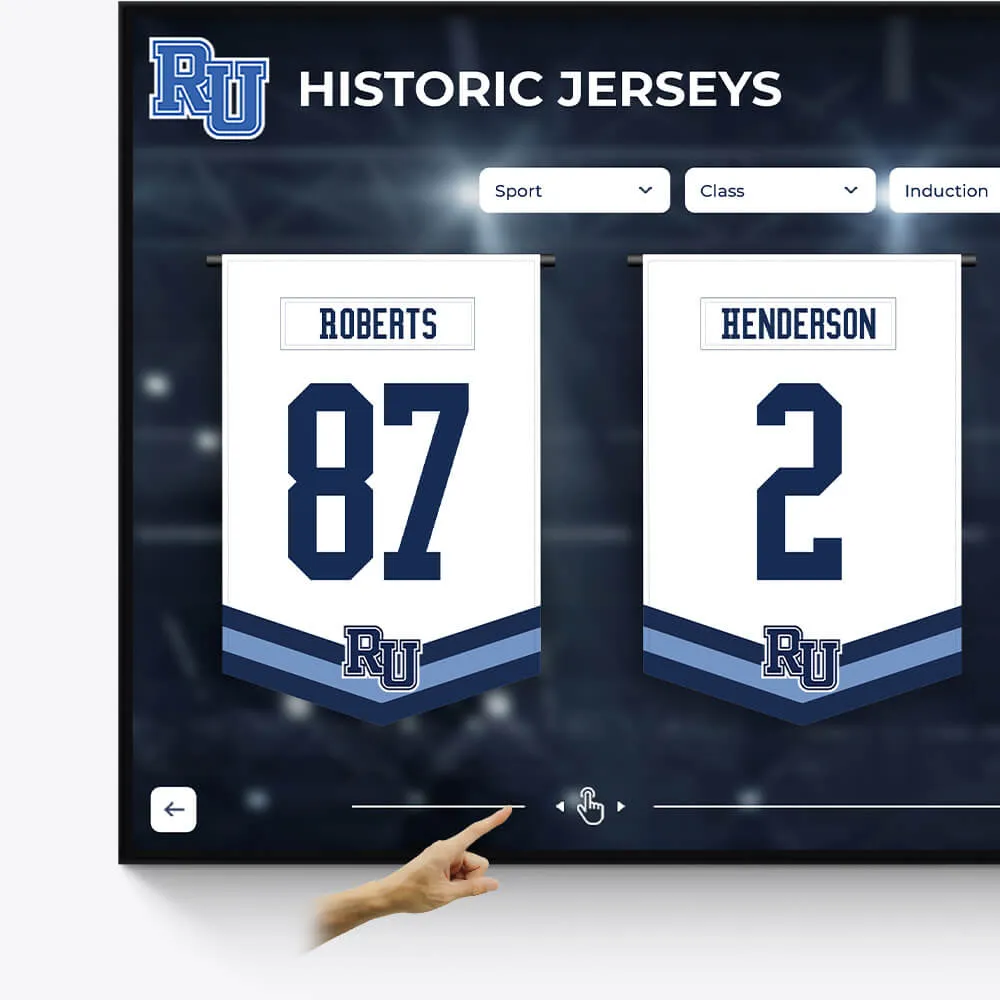
Olympians & Professional Athletes
Celebrate the extraordinary achievements of your alumni who have excelled in the Olympics or turned professional, showcasing their journey and successes.
Profile Olympians and professional athletes with their career highlights
Include achievements, accolades, and professional milestones
Share inspiring stories of dedication and triumph
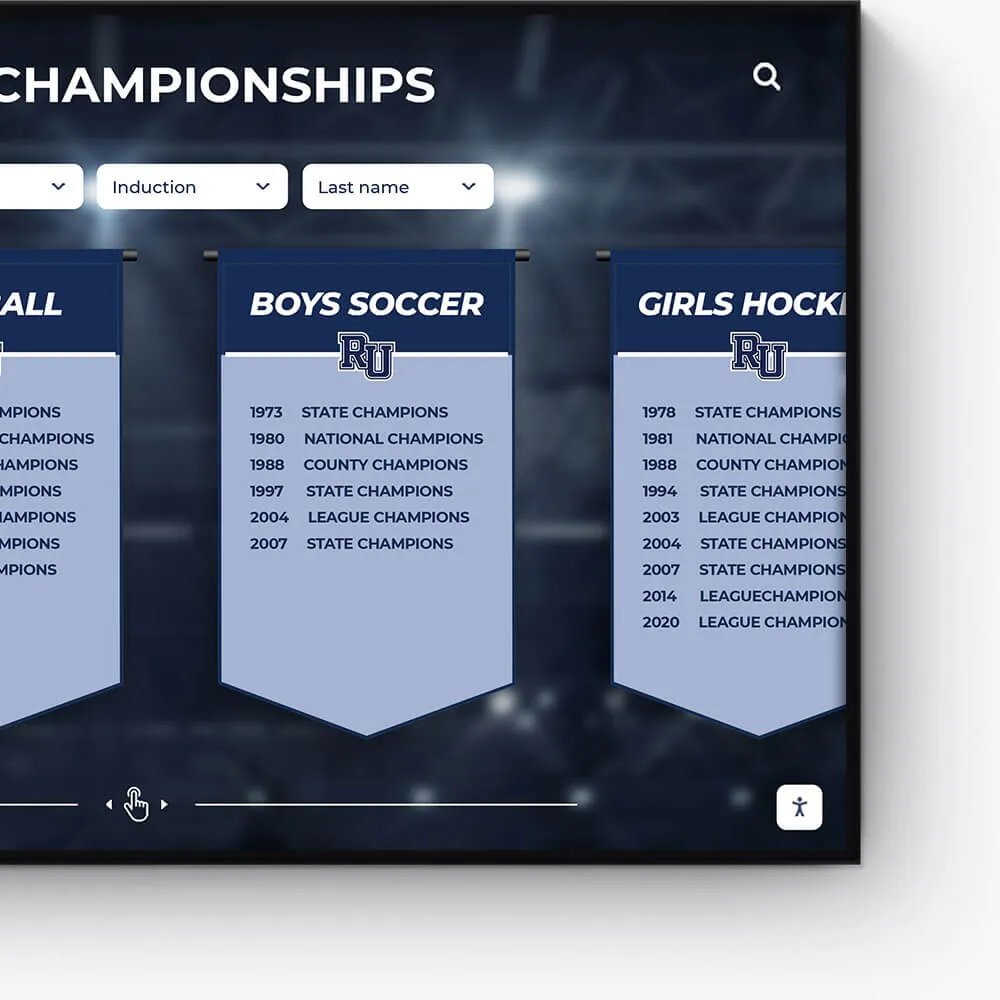
Plaques
Digitally transform traditional plaques into an interactive and dynamic format, offering a modern approach to recognition.
Convert legacy plaques into digital formats
Include detailed information and stories behind each plaque
Offer an interactive and engaging user experience
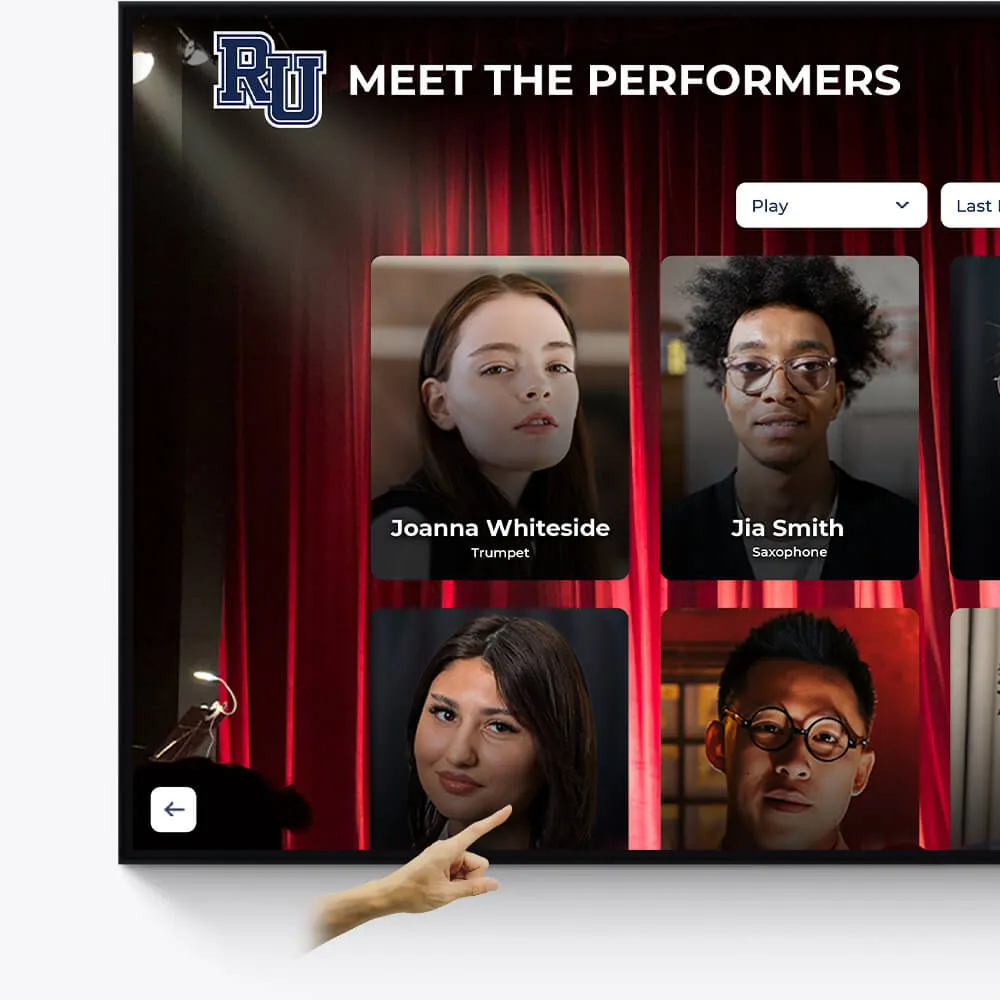
Music & Arts
Seamlessly repurpose old content, dynamically showcase new material, and intelligently adapt to events and announcements.
Make old content relevant again by targeting specific times and audiences
On-demand video access to concerts, a powerful tool for admissions and recognition
Elevated concert promotional content and digital programs