Your launch day checklist for a new school showcase
Launch day is when the work becomes public, at an induction night, a game or a morning assembly. A short checklist covers final approval, the display, the web link and the people who will answer questions, so the moment goes as planned.





Trusted by 1,500+ schools and organizations4.9/5 customer satisfaction
Schools and colleges that run on Rocket





Why it matters
Last-minute surprises on the night it goes public
A late correction, a screen nobody tested or a link nobody shared can take the shine off a launch. Most of these problems are easy to catch the day before.
Ideas for Launch Day Checklist
Final sign-off confirmed
Confirm your approver has signed off and the last corrections are in.
A test of the display
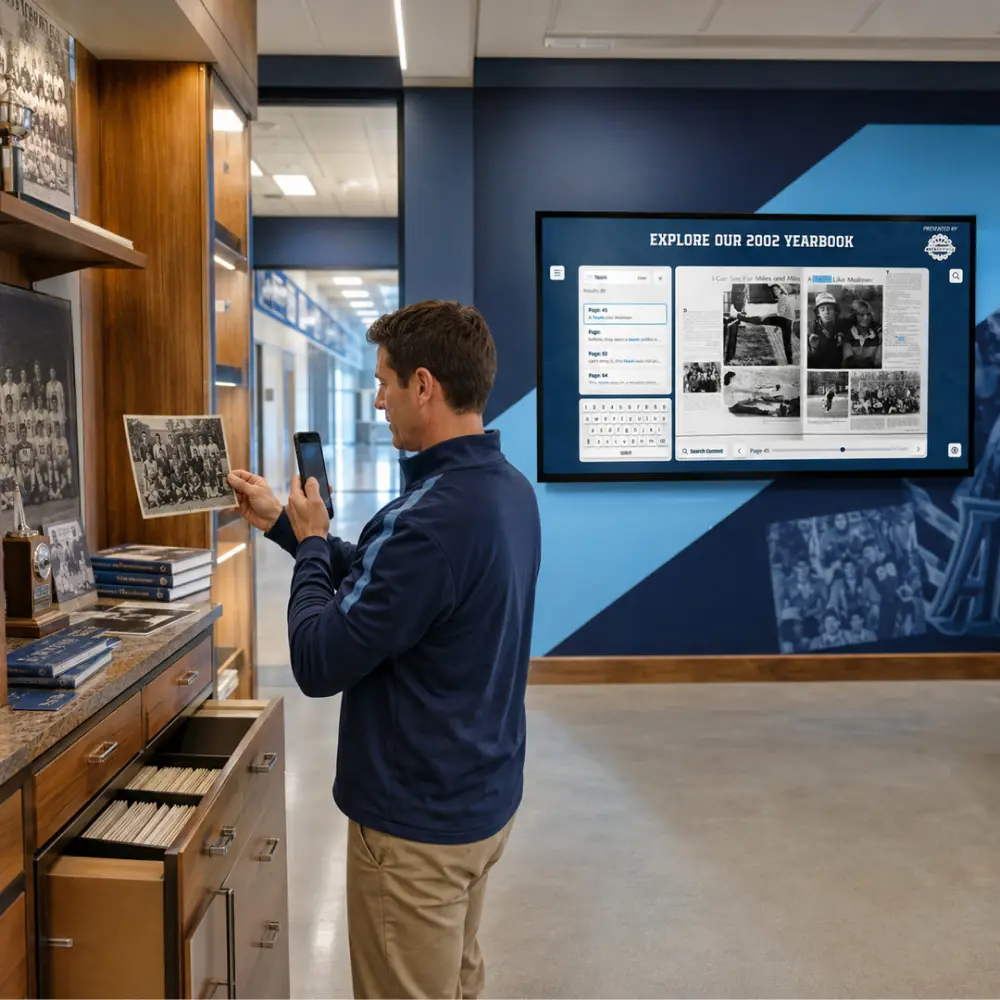
Check the touchscreen in its spot the day before, including search and a few profiles.
The web link ready to share
Have the online link ready for emails, social posts and the event program, since families explore away from campus too.
Honorees found and checked
Look up each person being recognized that day and make sure their profile is complete.
A staff member at the display
Ask someone to stand nearby during the event and show visitors how to explore.
A plan for reported fixes
Give people a way to report a typo, and know who will make the change in the editor.
How it works with Data Entry & Project Management
Launch Day Checklist, step by step.
Three steps
Close out review
Your team finishes checking the agreed entries and sends the last corrections before the date.
Share the collection
With your team’s approval in place, you share the collection on campus and online.
Keep it growing afterward
After launch, staff update content in the editor, and existing customers send larger batches through the data-entry form.
Setups vary by school; your demo confirms what yours will use.
Best practices
Tips to get it right.
Launch Day Checklist tips
Do the dry run a day early
Walk through the display and the web link the day before, not an hour before doors open.
Put the web link in the program
Printing the link in the event program lets families look up honorees at home.
Freeze changes the night before
Avoid last-minute edits unless they fix a real error, so what you tested is what people see.
Capture the moment
Take photos of honorees at the display. They make good content for your next update.
Keep exploring
More Data Entry & Project Management use cases
Questions
Launch Day Checklist questions
Confirm final approval, test the display and a few searches, and make sure the web link is ready to share. Assign someone to help visitors and to handle any reported fixes.
Rocket helps prepare and organize the agreed content ahead of your date, and your team checks it before you share it. If questions come up on the day, Rocket’s Boston-based live chat is available around the clock.
Staff can correct it in the editor right away. Keep a short list of reported fixes and work through it in the days after the event.
Share your target date at the very start of the project. Timing depends on scope, source quality and review, so early planning leaves room for the checklist.
Your next step
Talk through your content project.
We'll scope a first collection and agree who does what before any work starts.
