A donor recognition wall that tells the story behind each gift
Donors give to a school because they care about what happens there. A donor wall in History Showcase thanks them by name and shows students, families and future supporters what each gift made possible.





Trusted by 1,500+ schools and organizations4.9/5 customer satisfaction
Schools and colleges that run on Rocket





Why it matters
Donor plaques fill up and stop telling the story
Engraved donor walls are hard to change, so new gifts can wait months to appear. The names stay, but the reasons behind them fade. A family that endowed a scholarship in 1985 becomes a line of text nobody can explain.
Ideas for Donor Recognition
Giving societies and levels
Organize donors the way your advancement office already does, by society, campaign or giving level.
Scholarship stories
Explain who each scholarship honors and, with permission, name the students who have received it.
Named spaces
Connect donors to the gym, library or field they helped build, with a photo of the space.
Campaign milestones
Mark the start and finish of a capital campaign so visitors see what the community did together.
Honor and memorial gifts
Note when a gift was given in someone’s memory and share a short line about that person.
Anonymous gifts
Display only what each donor approved, including gifts listed without a name.
How it works with History Showcase
Donor Recognition, step by step.
Three steps
Start from your donor records
Export the list from your advancement office and confirm display names and preferences. Rocket can help turn the list into profiles.
Organize by fund or level
Staff arrange donors in Rocket’s editor so visitors can browse by campaign, society or year.
Show it in the lobby and online
The wall runs on a compatible touchscreen or a WonderWall installation, and on the web for donors who live far away.
Setups vary by school; your demo confirms what yours will use.
Best practices
Tips to get it right.
Donor Recognition tips
Confirm every display name
Donors care how their names appear. Get approval on spelling, titles and family listings.
Set a regular update time
Add new gifts on a predictable schedule so the wall stays accurate after each campaign push.
Show impact, not amounts
A sentence about what a gift supports usually says more than a dollar figure.
Invite donors to see it
Walk new donors past the display during a campus visit or event.
Keep exploring
More History Showcase use cases
Questions
Donor Recognition questions
Most include donor names grouped by level, campaign or fund, plus the story of named scholarships and spaces. Focus on what each gift supports rather than amounts. Always follow each donor’s display preferences.
Yes. Staff add new names in Rocket’s editor, so recognition can keep pace with your campaign. Rocket does not charge per profile, so a long donor list is not a problem.
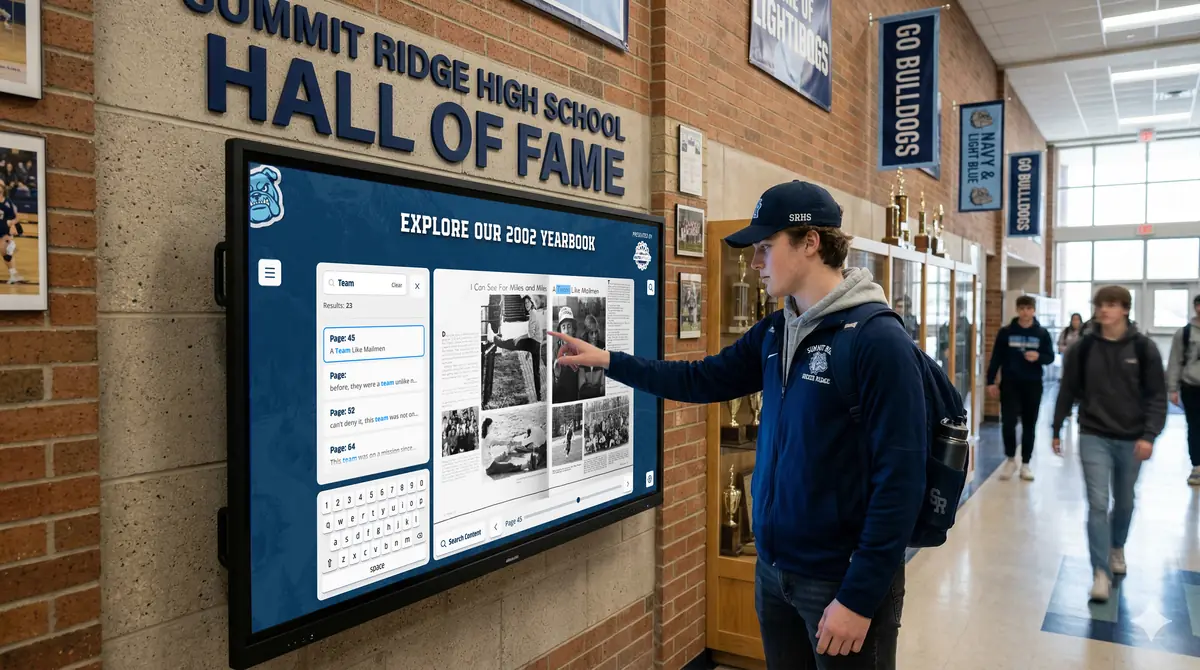
History Showcase can present a donor wall alongside your hall of fame and other collections. Donors and families can explore it on a compatible touchscreen and on the web, and Rocket can help prepare the donor content.
Rocket quotes a price for your school after a demo, based on the collections, display and content help involved. Bring your campaign timeline so the plan fits it.
Your next step
Plan your History Showcase.
We'll walk through a real hall of fame and sketch the first collection your community could explore.
