Senior class composites every graduate can actually find
Framed senior composites line hallways until wall space runs out and the oldest frames go into storage. Digitizing them gives every class a permanent spot where graduates and families can look up a face by year.





Trusted by 1,500+ schools and organizations4.9/5 customer satisfaction
Schools and colleges that run on Rocket





Why it matters
Composite frames outgrow the hallway
Each graduating class adds another large frame, and older composites fade, crack or move to a closet. Visitors looking for a parent’s class have to search hallways or ask the front office. Some years are already missing.
Ideas for Senior Class Composites
One entry per class year
Give each year its own entry so visitors can jump straight to a class.
Names with every portrait
Type the names alongside the image so families can confirm a relative even when the print is faded.
Class officers and mottos
Add the class motto, officers and colors when the frame or yearbook records them.
Missing-year call-outs
List the years you still need and ask alumni for photos of their composite.
Faculty composites
Include faculty and staff composites wherever your school made them.
Originals still on the wall
Leave the best-preserved frames in place and point visitors to the full archive on screen.
How it works with History Showcase
Senior Class Composites, step by step.
Three steps
Capture each frame
Photograph or scan each composite clearly, glass removed where it is safe. Your demo confirms the best capture route for large frames.
Organize composites by year
Staff add each class to a collection in Rocket’s editor, with names and details visitors can read.
Open the archive to everyone
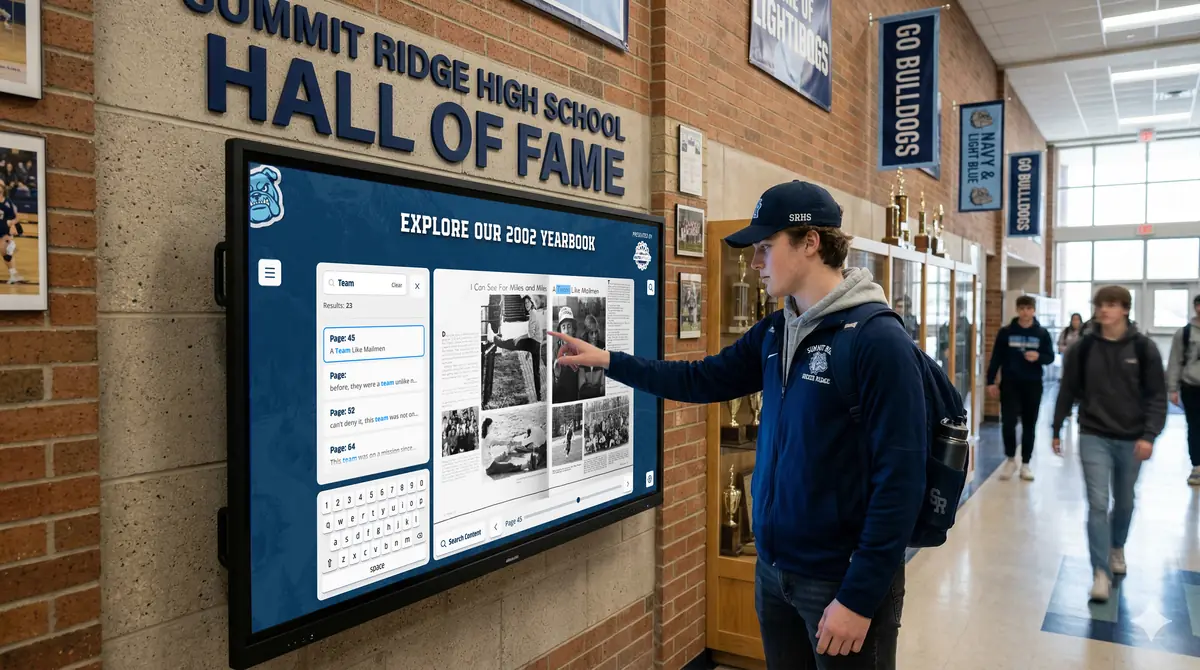
Graduates browse composites on a compatible touchscreen on campus or from home on the web.
Setups vary by school; your demo confirms what yours will use.
Best practices
Tips to get it right.
Senior Class Composites tips
Start with the oldest frames
The most fragile composites are most at risk. Capture them first.
Shoot without glare
Remove glass or use angled lighting so faces stay readable.
Record names as text
Typed names make each composite easier to read and to search.
Add the new class every June
Make the new composite part of the end-of-year routine so no year is skipped.
Keep exploring
More History Showcase use cases
Questions
Senior Class Composites questions
Photograph or scan each frame with even lighting, then record the names and year for each class. Large or damaged frames may need special care, and your demo confirms the right route for your collection.
Yes. Composites in your History Showcase can be explored on the web as well as on a compatible touchscreen. Alumni can send the link to family.
Rocket gives every class year a place in an interactive archive your staff maintain in Rocket’s editor. When you have decades of frames to work through, Rocket can help prepare the content.
Rocket quotes your setup after the demo, based on the collections, display and content help you want. Because there are no per-profile fees, adding each new class does not add a profile charge.
Your next step
Plan your History Showcase.
We'll walk through a real hall of fame and sketch the first collection your community could explore.
